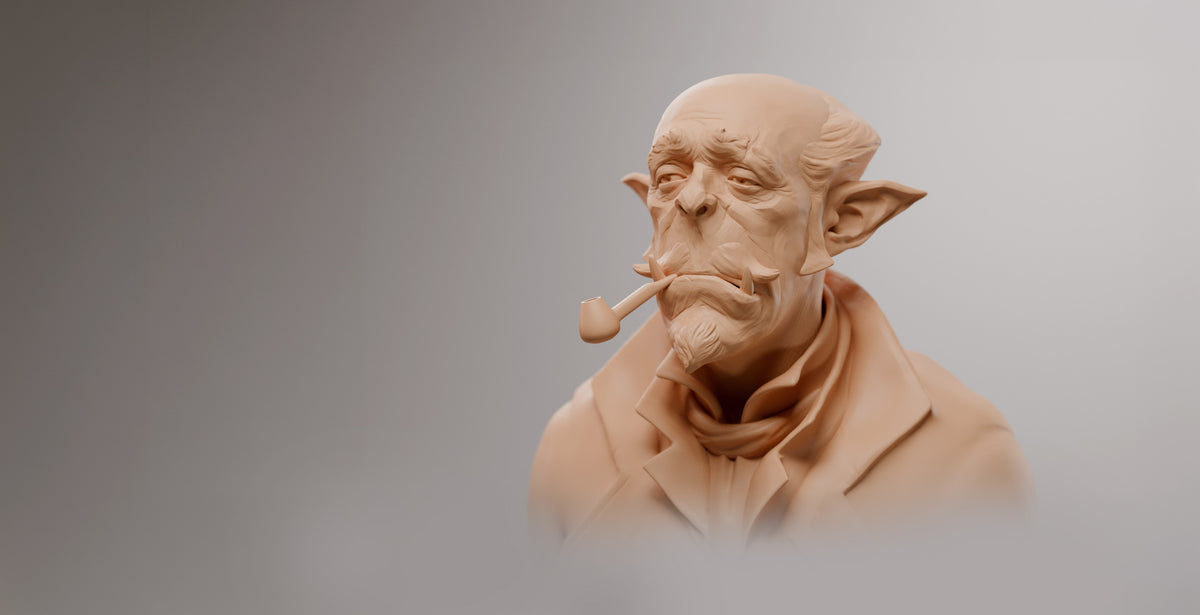
For Complete Beginners

Digital 3D sculpting looks scary, but it comes down to a few core lessons. In this course, you'll learn the exact 3D character modeling techniques used to create creatures for films like Alien Covenant and Pacific Rim Uprising.

WHAT'S INCLUDED

Master Nomad Sculpt

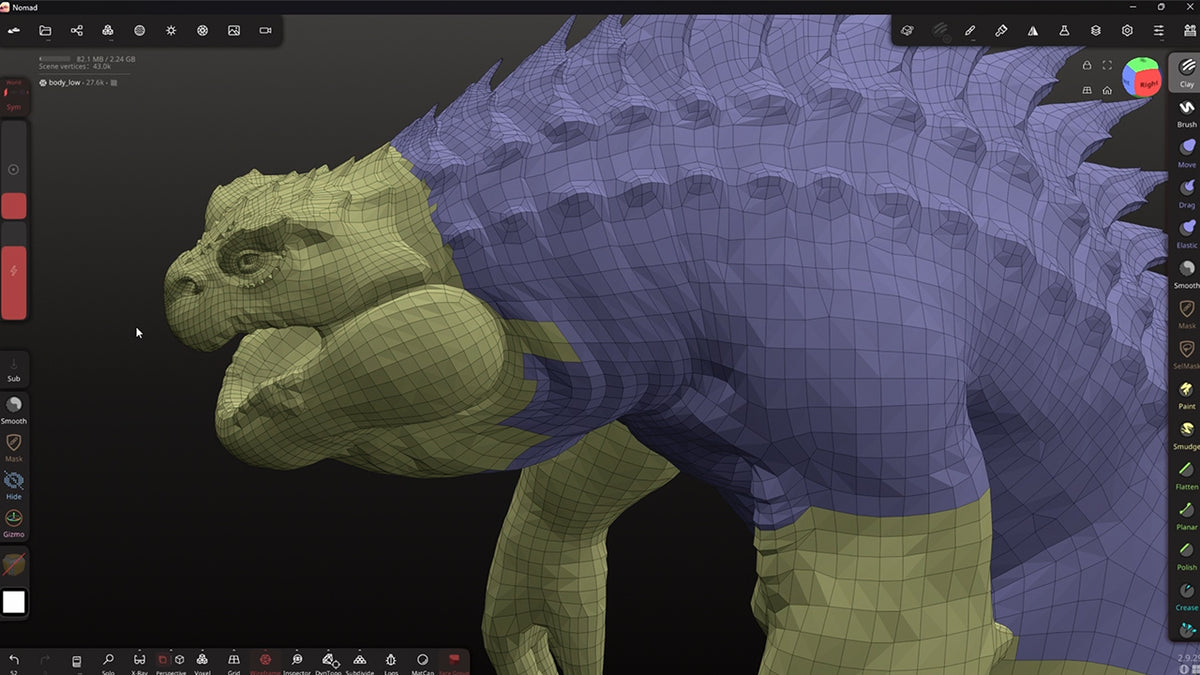
Before you can sculpt your own projects, you’ll need to know the software well. You'll master Nomad Sculpt brushes, UI navigation, masking, face groups, alphas, and the gizmo until the app feels like an extension of your hand.

Digital Sculpting Fundamentals

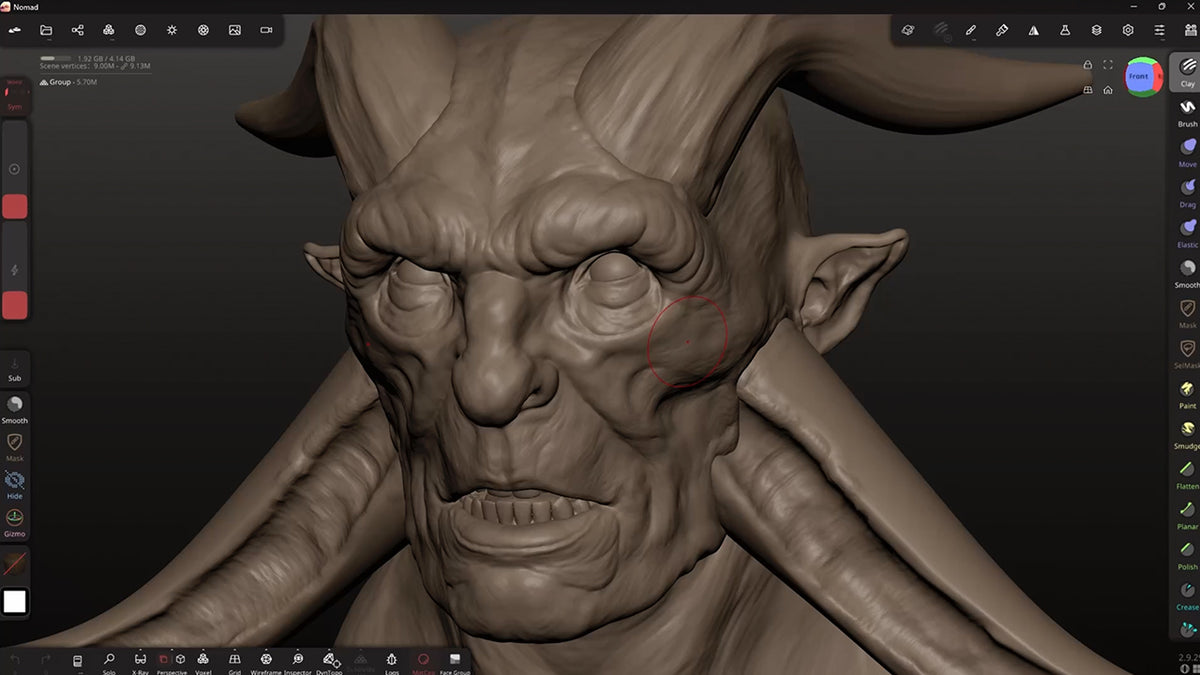
This is where real sculpting begins. You'll learn to see shapes clearly, capture dynamic gestures, and learn about frequencies - from character blocking down to micro-details. We cover the anatomy of the skull, facial features, body anatomy, and a professional digital sculpting workflow for realistic skin and wrinkles.

Build a Character

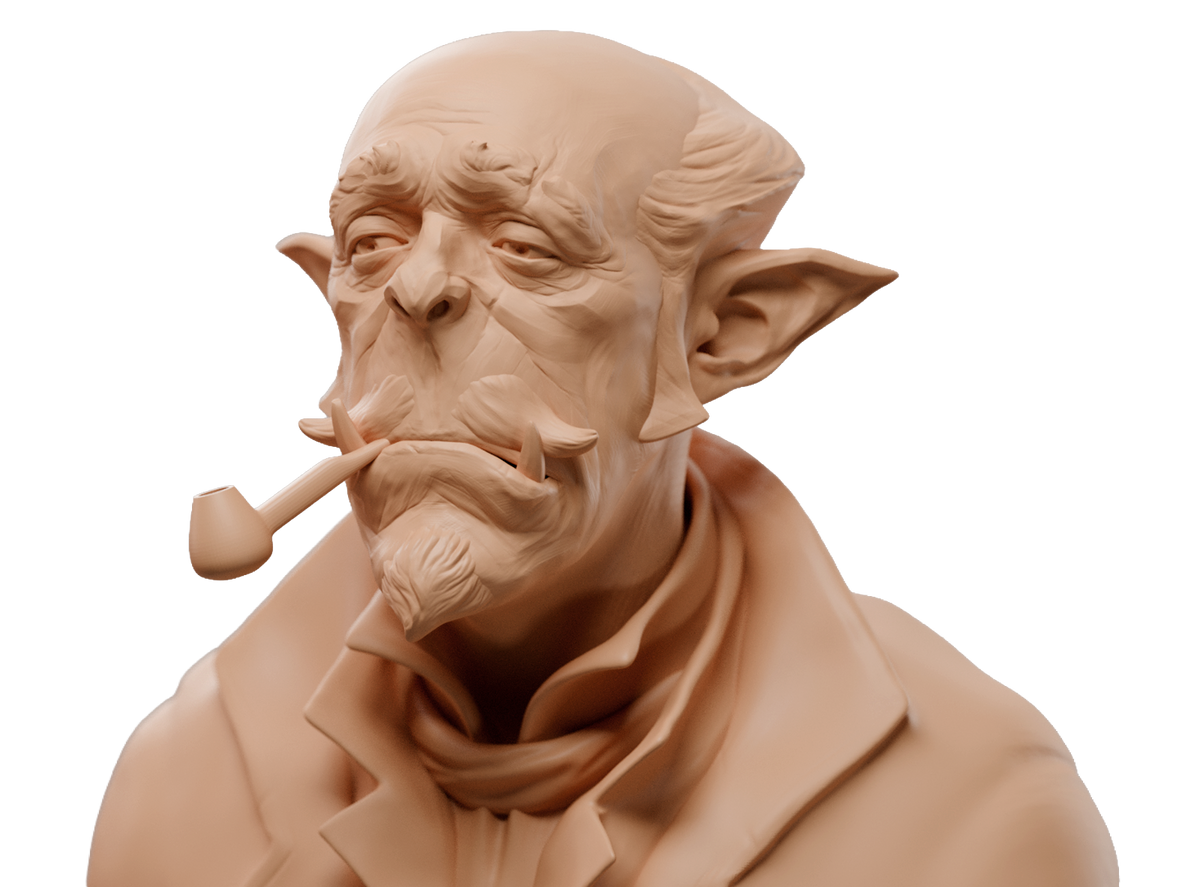
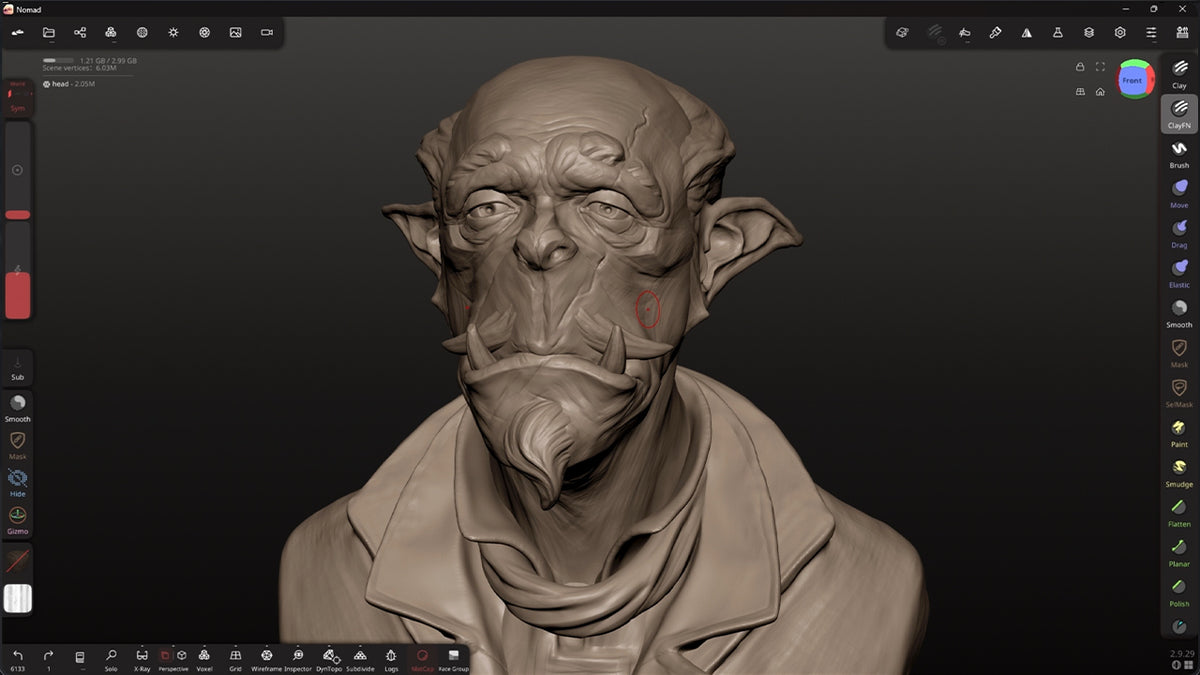
Put it all together. Step by step, you'll sculpt a complete 3D character from scratch, using every tool and technique covered in the first two sections. It's all real time without any timelapses or cut content. You can easily follow at your own pace and create a stunning sculpt in Nomad Sculpt.

DETAILS

What You'll Learn

You'll learn:

  • You'll master Nomad Sculpt brushes, UI navigation, masking, face groups, alphas, and the gizmo.
  • Learn to see shapes clearly, capture dynamic gestures, and learn about frequencies
  • Learn the anatomy of the skull, facial features, body anatomy, and a professional digital sculpting workflow for realistic skin and wrinkles.
  • Sculpt a complete 3D character from scratch

This course if perfect for you if:

  • You're new to digital 3D sculpting and need a clear, structured starting point.
  • You've tried 3D character modeling before, but your work feels lumpy, stiff, or overworked.
  • You want a professional workflow for Nomad Sculpt on your iPad, Android tablet, or desktop.
What You Get
  • 39 HD video lessons (11 hours)
  • Source files for every character chapter
  • Requirements: Nomad Sculpt on iPad, Android tablet, or desktop. No prior 3D sculpting experience necessary.
Requirements
  • Nomad Sculpt
  • Acces to an iPad, Android tablet, or desktop.
Skill Level

This course is suited for beginners to Nomad Sculpt and sculpting in general
Your Instructor

I'm Henning Sanden, co-founder of FlippedNormals. Over the last 20 years, I've sculpted 3D characters and creatures for Hollywood blockbusters like Alien, Pacific Rim, and Pirates of the Caribbean.

Course Contents

Loading chapters…
  • 5 stars: 2 (100%)
  • 4 stars: 0 (0%)
  • 3 stars: 0 (0%)
  • 2 stars: 0 (0%)
  • 1 star: 0 (0%)
S
Sam L.
Best Nomad intro course I found as ex-ZBrush user -- and it also leveled up my sculpting in general

I've been a huge fan of Henning and FlippedNormals for years now. I credit Henning's Intro to Sculpting course for getting me into sculpting at all--and I don't just mean digitally, but also analog / traditional. I also have several of the anatomy courses that I've found indispensable.

For years my primary (digital) sculpting tool has been ZBrush, which I have become very comfortable with, especially for a hobbyist. However, I took a short hiatus from sculpting, and when I came back I really could not justify paying for a ZBrush subscription, which had only gotten more expensive since the last time I subscribed.

I decided to try migrating to Nomad Sculpt, both for my iPad and on desktop. There are several great resources and tutorials for Nomad, especially on YouTube. However, I found that none of them really gave me the caliber of pedagogy that I've historically had with FlippedNormals courses, for at least three reasons:

1. Those YouTube resources are almost entirely focused on very stylized characters, and I prefer to sculpt organically and in a more fine-art fashion;
2. I was surprised by how few actually just gave a simple, bird's eye overview of the UI/UX of Nomad; and
3. Those resources tend not to ground the use of the tool in sculpting fundamentals.

I've now completed this course and I can tell you that it hits all three of those marks and more. This is exactly the course I have come to expect from Henning and FlippedNormals. Not only was the introduction to the Nomad UI immediately practical and well-presented--by the end of that section, I was able to customize the keybindings and interface for Nomad Desktop in a way that mimicked what I liked about ZBrush--but the second and final sections of the course were a much-needed and very enjoyable refresher on sculpting fundamentals.

I highly, highly recommend this course for at least the following students:
* Those, like me, who are familiar with ZBrush but who want to migrate to Nomad; and
* Students who are brand-new to sculpting and wish to start with Nomad.

R
Rod
Got Me Sculpting And Having Fun

Genuinely got me started sculpting after being too scared to start on my own. I'm only halfway through the course but already started sculpting some projects on my own. Unlike other art courses I've taken I felt kind of empowered to start working on my own ideas right away. Really enjoy the instructor's explanations and visuals, as well. They've helped me understand things a LOT like what "frequencies" are and how they're important to factor in when thinking about a sculpt. I'm looking forward to making something I'm excited to share with friends and this course helps me feel like I'm well on my way to that.

Industry Experience You Can Trust

From blockbuster films to AAA games, our instructors have contributed to some of the industry’s most recognized projects.