


Creating Creatures for Games - The Complete Masterclass
If you have any questions, you are always welcome to contact us. We'll get back to you as soon as possible, within 24 hours on weekdays.
-
Shipping Information
Use this text to answer questions in as much detail as possible for your customers.
-
Customer Support
Use this text to answer questions in as much detail as possible for your customers.
-
FAQ’s
Use this text to answer questions in as much detail as possible for your customers.
-
Contact Us
Use this text to answer questions in as much detail as possible for your customers.
Master the Complete Creature Pipeline
WHAT'S INCLUDED

Real-Time, Step-by-Step Videos
Build a Reliable AAA Workflow

Taught by a Creature Veteran
DETAILS
What You'll Learn
Full Pipeline Description
Master the Complete Creature Pipeline
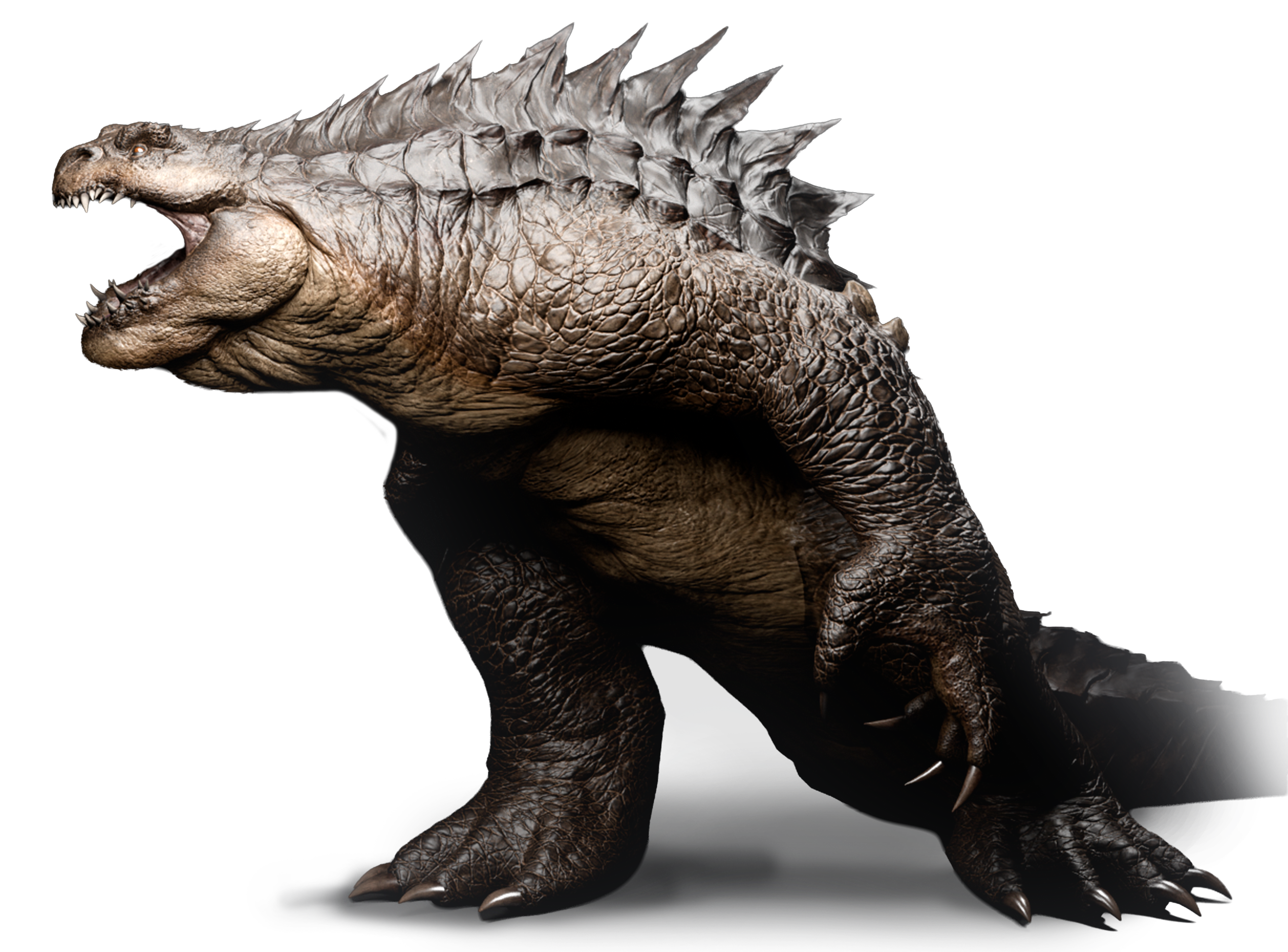
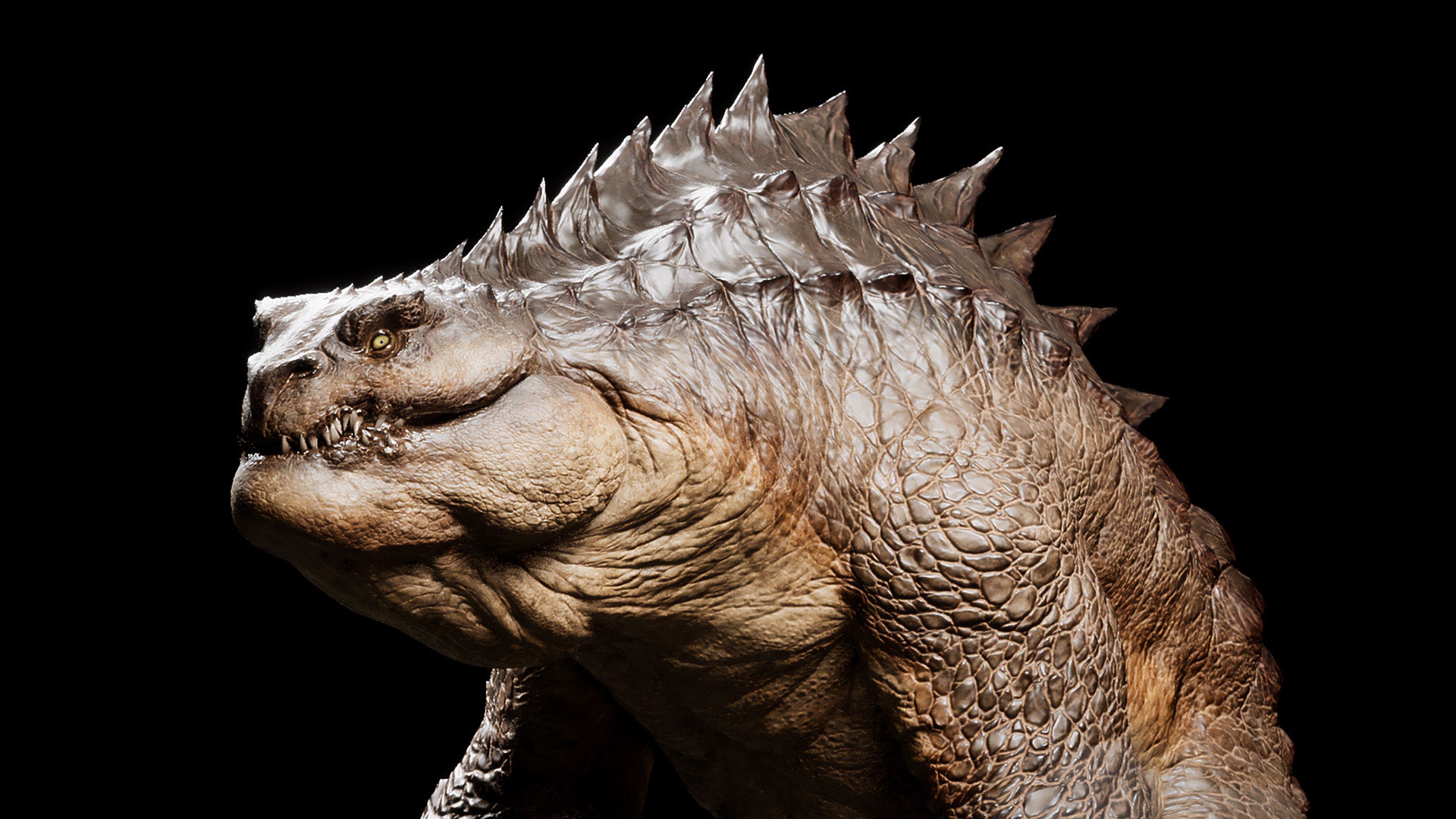
We’ll cover the whole AAA creature pipeline together. You'll go from the first concept sculpt to game-ready retopology, baking in Marmoset Toolbag, texturing in Substance 3D Painter, and final shading and lighting in Unreal Engine 5.
By the end of the course, you’ll know how to take a creature from a blank scene all the way to a polished, AAA studio-ready portfolio piece.
Real-Time, Step-by-Step Videos
Every single stage is shown in real time and fully narrated. There are no time-lapses and no skipped steps.
You’ll see the actual artistic choices, problem-solving, and technical steps behind the whole project. Source files are included for every chapter, so you can follow along from beginning to end or jump in at any point in the pipeline.
Build a Smart, Reliable Workflow
Learn a structured way to create full creatures for real-time AAA games.
We’ll explain each stage as we go, giving you a clear understanding of why we make certain choices - not just which buttons to press. You’ll learn a reliable workflow that you can use on your own future creatures, characters, and portfolio pieces.
Put in the Work, Get AAA Results
Creating a game-ready creature takes time. Throughout this course, you’ll learn how to work efficiently without cutting the corners that give the creature its AAA quality.
We’ll cover the discipline, problem-solving, and daily habits needed to push through the tougher stages of production. Complex characters cannot be rushed - the quality of your final creature depends on doing the work properly.
Designed for Intermediate Artists
This course is for artists who are already comfortable working in 3D. You should have some basic experience with sculpting, retopology, UV mapping, texture painting, and using game engines like UE5.
While we will use Blender, ZBrush, Marmoset Toolbag, Substance 3D Painter, and Unreal Engine 5, these methods work anywhere. You can easily take these same production techniques and apply them to your own favorite tools, like Maya or 3ds Max.
Creature Sculpting
We’ll sculpt the creature from scratch in ZBrush, starting with a simple base mesh built in Blender.
Together, we’ll block out the primary shapes, work up the design, and refine the anatomy. From there, we'll layer on more complex secondary details. Finally, we'll bring the creature to life using custom alphas to create realistic skin details.
Production Retopology
We'll retopologize the creature using an industry standard method to keep your workflow fast and accurate.
You’ll create a clean, fully quad-based mesh that does two jobs: it acts as a good sculpting mesh for your final high-res details, and it serves as the base for your final real-time model. You’ll also learn how to use triangles safely, cut out wasted geometry, and optimize the mesh without losing any of the creature’s design.
UV Mapping and UDIMs
Create a clean UV layout built for texture painting and map baking - all directly in Blender. You'll learn exactly where to place seams, how to unfold complex body shapes, and how to build efficient UVs for real-time creatures.
We’ll organize the UVs across multiple UDIM tiles, putting the resolution where it matters most while keeping your layout organized and easy to work with.
Easy and Clean Baking
Bake the creature’s normal map and mesh maps in Marmoset Toolbag using a robust and simple setup.
You’ll use bake groups for the body, claws, teeth, and tongue to prevent projection errors and glitches. You’ll also learn how to spot and fix common baking issues before they cause problems in the texturing stage.
Creature Texturing
Texture the creature from scratch in Substance 3D Painter.
You’ll combine hand-painted details, procedurals, and your baked maps from Marmoset Toolbag to build up your textures step by step. We’ll cover skin color variations, the best brushes to use, and how to make your creature feel truly alive. The result is a fast, repeatable texturing process you can use on any future project.
Hard-Surface Prop Creation
Build the creature’s manacles using a complete hard-surface pipeline.
You’ll create the mid-poly model in Blender, sculpt the high-res version in ZBrush, and finish the final UVs and low-poly mesh back in Blender. From there, we'll bake the asset in Marmoset Toolbag and texture it in Substance 3D Painter. This section shows you how organic creatures and hard-surface props fit together perfectly in a real game pipeline.
Final Assembly in Unreal Engine 5
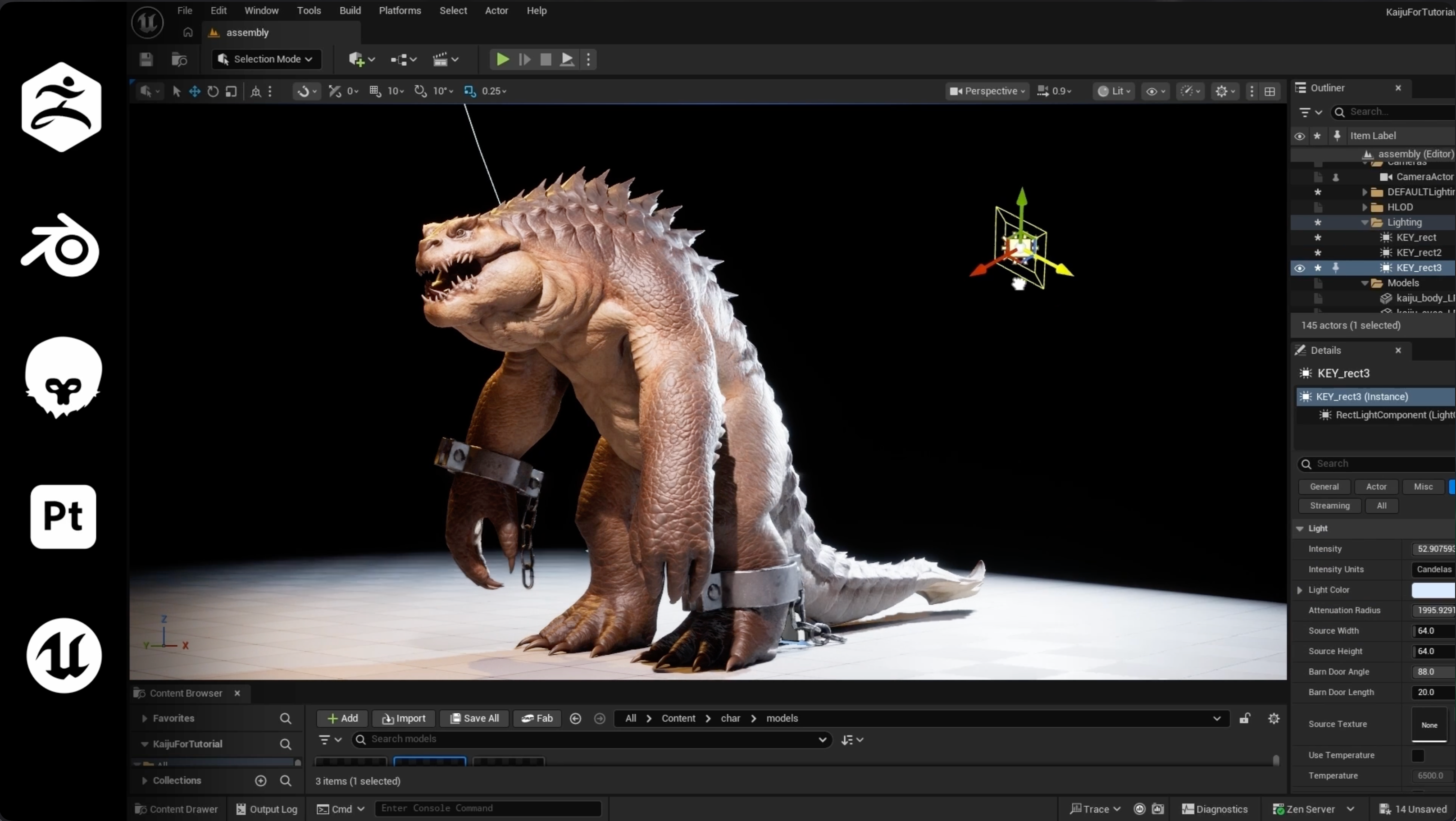
Bring the creature, props, and textures together in Unreal Engine 5 to create your final real-time scene.
We’ll adapt MetaHuman eyes for the creature, build the final materials, assemble the asset, and set up cinematic lighting. The course finishes with a polished real-time scene designed to showcase your creature as a studio-ready portfolio piece.
❕Please note:
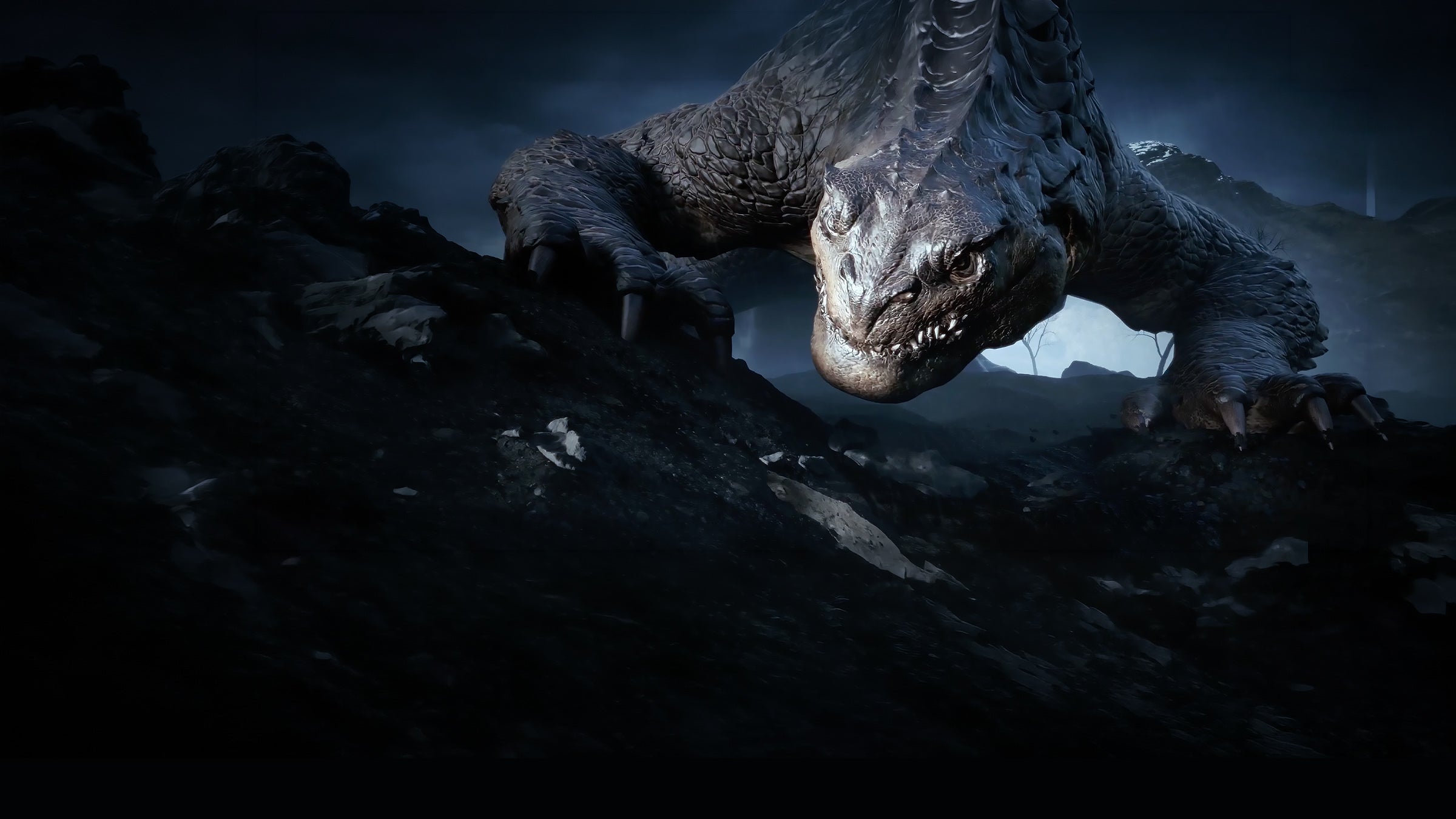
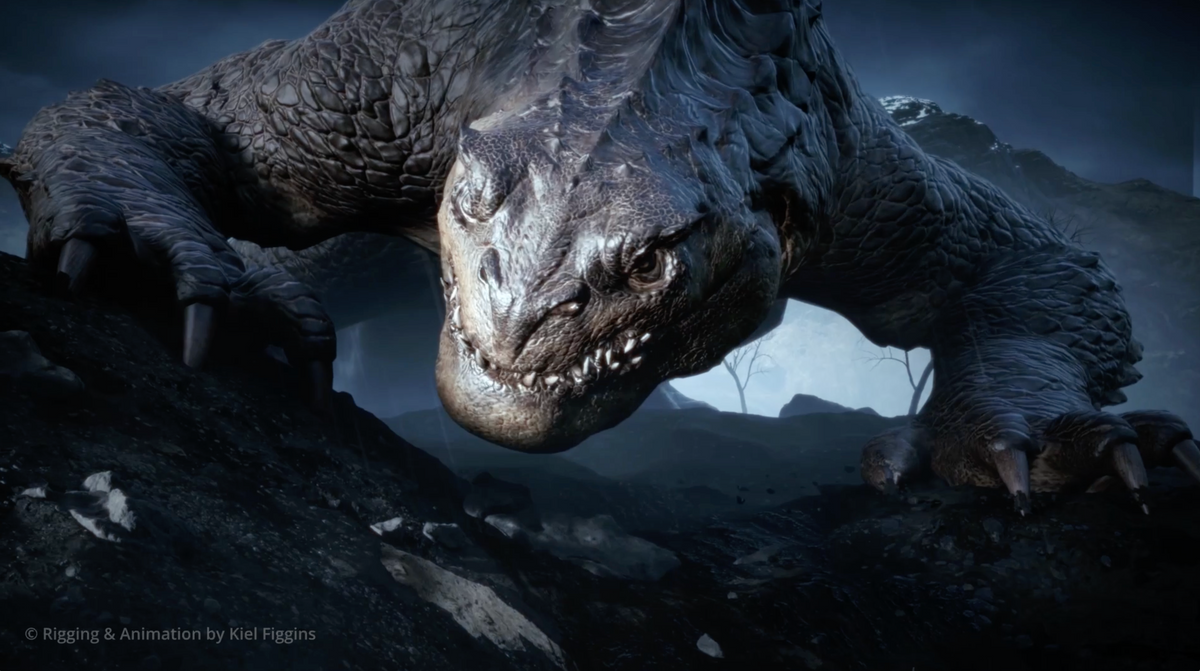
The cinematic trailer showcases what this workflow makes possible. This course focuses entirely on the core asset pipeline - taking you from a blank canvas to a fully textured, lit, and shaded creature in Unreal Engine 5. To keep the focus strictly on asset creation, the course does not cover rigging, animation, custom posing, or the specific sequence from the trailer.
What You Get
Requirements
Skill Level
Designed for Intermediate Artists: This course is for artists who are already comfortable working in 3D. You should have some basic experience with sculpting, retopology, UV mapping, texture painting, and using game engines like UE5.
Artist Credit
- Rigging & Animation: Kiel Figgins - Associate Animation Supervisor at ILM.
- Lighting: Elpida Kyriakou - Character Artist at Framestore
- Audio: blooodyuki
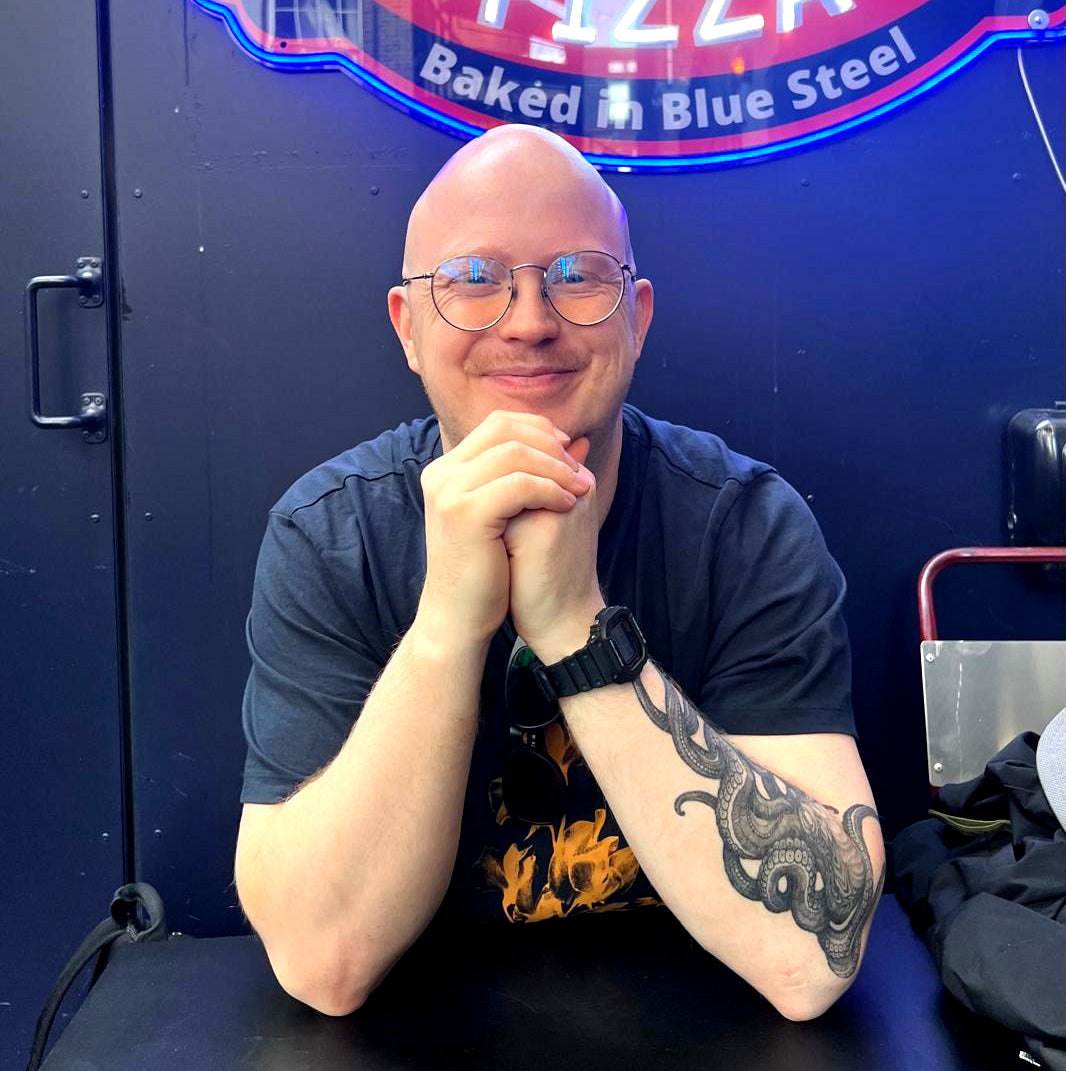
Your Instructor
Course Contents
Industry Experience You Can Trust
From blockbuster films to AAA games, our instructors have contributed to some of the industry’s most recognized projects.