Crazy

© Pierrick Picaut


ARC : Advanced Rigify Course
If you have any questions, you are always welcome to contact us. We'll get back to you as soon as possible, within 24 hours on weekdays.
-
Shipping Information
Use this text to answer questions in as much detail as possible for your customers.
-
Customer Support
Use this text to answer questions in as much detail as possible for your customers.
-
FAQ’s
Use this text to answer questions in as much detail as possible for your customers.
-
Contact Us
Use this text to answer questions in as much detail as possible for your customers.
© Pierrick Picaut
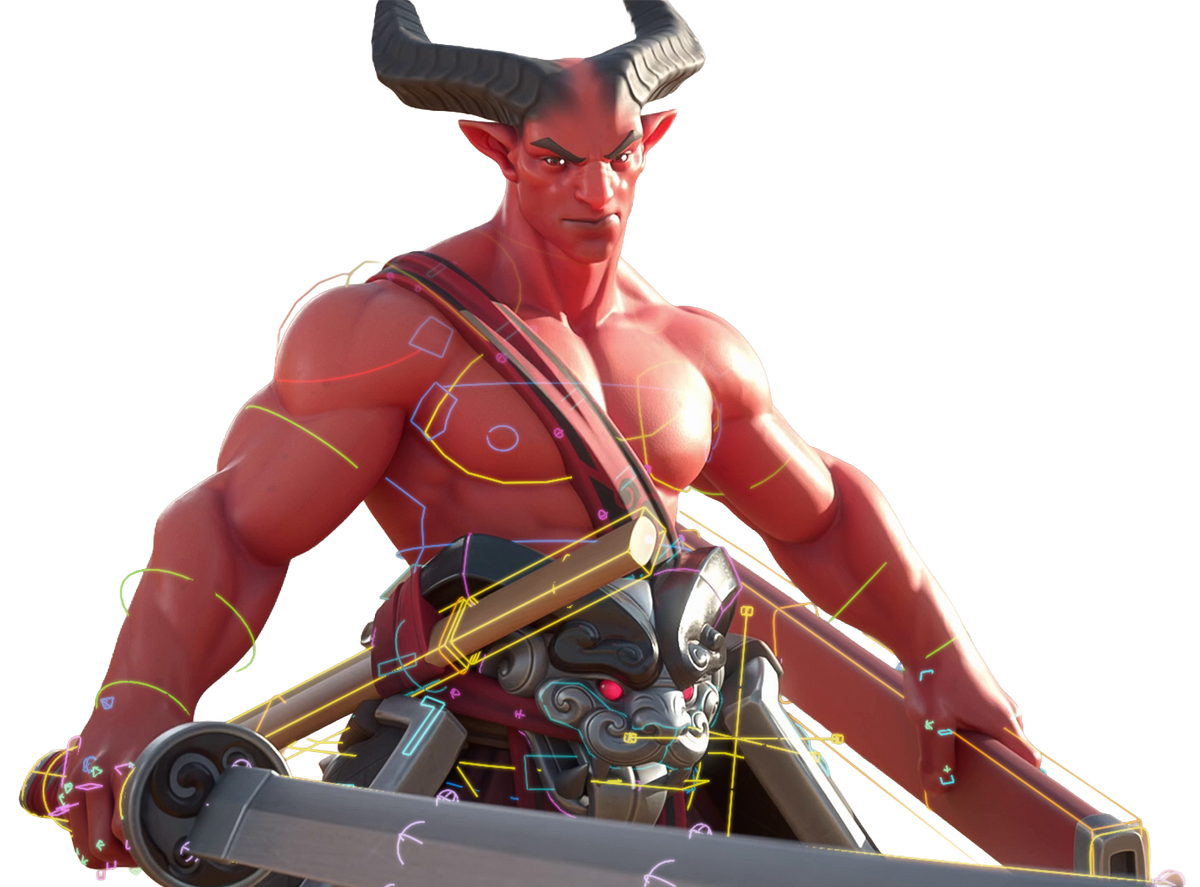
The Most Extensive Rigify Course
WHAT'S INCLUDED
© Pierrick Picaut
Blender Rigging Tips
© Pierrick Picaut
From Basics to Advanced
© Pierrick Picaut
Production Ready Character Creation
DETAILS
What You'll Learn
What You Get
Requirements
Skill Level
Intermediate to Advanced: A strong understanding of rigging fundamentals is required. We suggest completing the Art of Effective Rigging 2 beforehand.
© Pierrick Picaut

Your Instructor
Reviews
5.0
★★★★★
11 ratings on P2Design Academy
I highly recommend P2Design’s Advanced Rigging Course. The course goes far beyond the basics and provides a really solid understanding of professional character rigging, especially for more stylized and cartoony characters.The explanations are clear and easy to follow, while still going into the technical details needed to understand why things are built a certain way rather than simply following steps. I particularly appreciated the focus on creating flexible, production-ready rigs and handling more challenging deformation and animation requirements.The course has helped me improve both my technical rigging skills and the way I approach rigging problems. It’s a great resource for anyone who already has some Maya experience and wants to take their character rigging to a much more advanced level.Definitely worth the investment. 5/5!
Peak
Very detailed course about Rigify, explaining all the built-in rig types and how they can be used. There are some rig types whose usage feels surprising at first (based on their name), but makes sense after thinking about it. The course also uses (and encourages) scripting to customize the rig for your own needs: If Rigify doesn't do something you want, you can use a script to do your customizations and have it run every time the rig is regenrerated.
This is not the stuff you'll find in the endless YouTube tutorials about character rigging. Pierrick goes deep into the guts of the Rigify system, exploring each and every feature, quirk and bug before explaining how it can be tailored to your exact production needs. It's clear that countless hours have gone into the research and production of this course and the accompanying assets. Bravo!
Superb
Pierrick has been the best rigging teacher for Blender I've seen in years. His lessons and experience are of great value, and I use them all the time when I'm rigging
Great course!
As an animator, I've always tried to learn rigging to complement my career and work on personal animations. I came across the courses 'Art of Effective Rigging I and II' and they're honestly the most complete rigging courses for Blender I've ever seen , they've helped me a lot in improving my technical animation skills
Just started doing the course, but knowing Pierrick and his consistently amazing work, this course will definitely be a goldmine for those who want to develop their rigging skills and learn the intricacies of Rigify!
Incredible course, it really opens the door to production level workflows where rigging multiple characters, sharing animations between them and needing to go in and adjust rig behaviours, is made dead easy with Rigify's metarig! Pierrick breaks things down really nicely and covers a huge range of features over each chapter, making it nice and easy to absorb the knowledge.I highly recommend this to any rigging artists who want to save hours or even days rigging a bunch of models without compromising on quality.
Industry Experience You Can Trust
From blockbuster films to AAA games, our instructors have contributed to some of the industry’s most recognized projects.