FlippedNormals Lighting Scenes
If you have any questions, you are always welcome to contact us. We'll get back to you as soon as possible, within 24 hours on weekdays.
-
Shipping Information
Use this text to answer questions in as much detail as possible for your customers.
-
Customer Support
Use this text to answer questions in as much detail as possible for your customers.
-
FAQ’s
Use this text to answer questions in as much detail as possible for your customers.
-
Contact Us
Use this text to answer questions in as much detail as possible for your customers.
FLAWLESS RENDERS
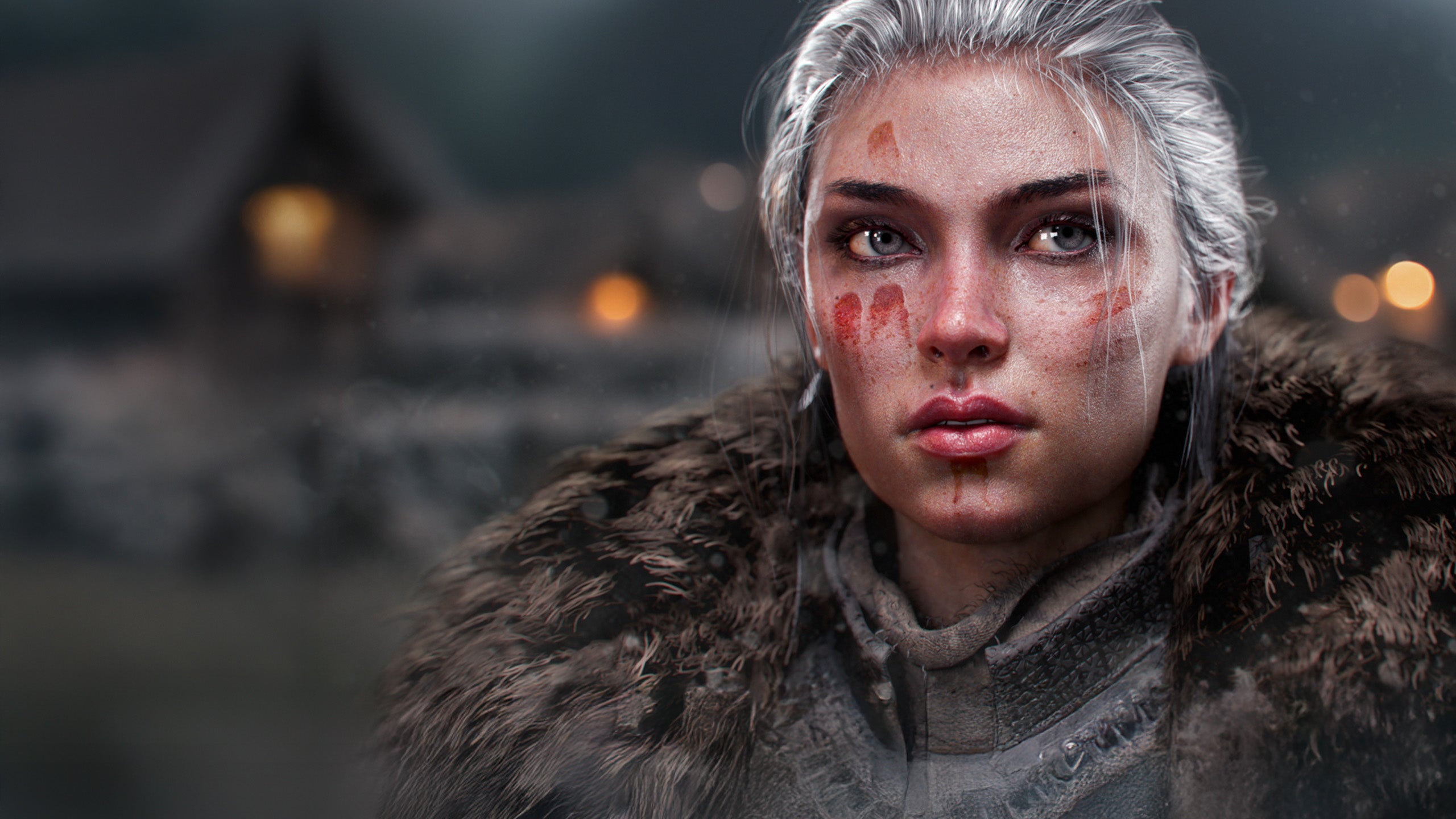
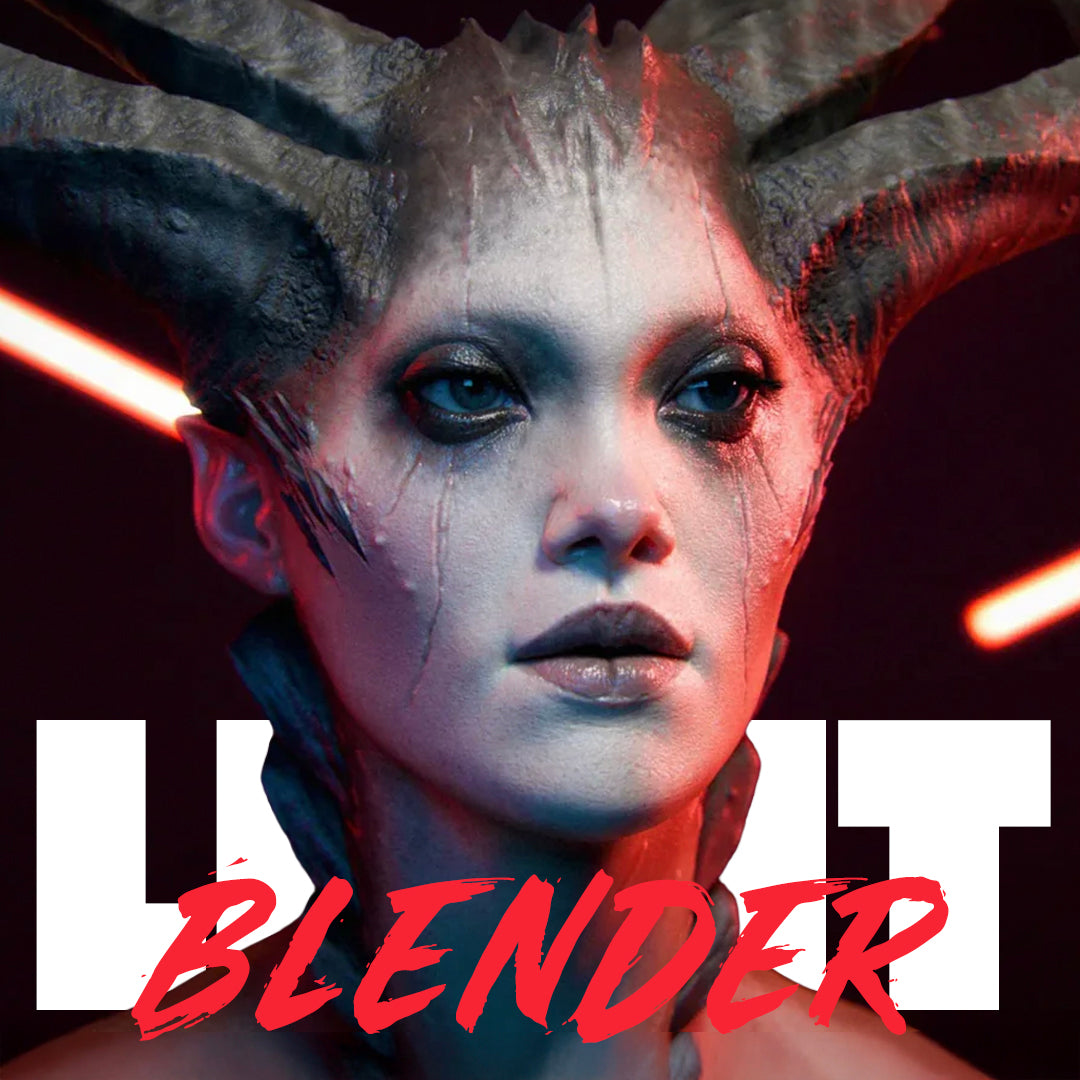
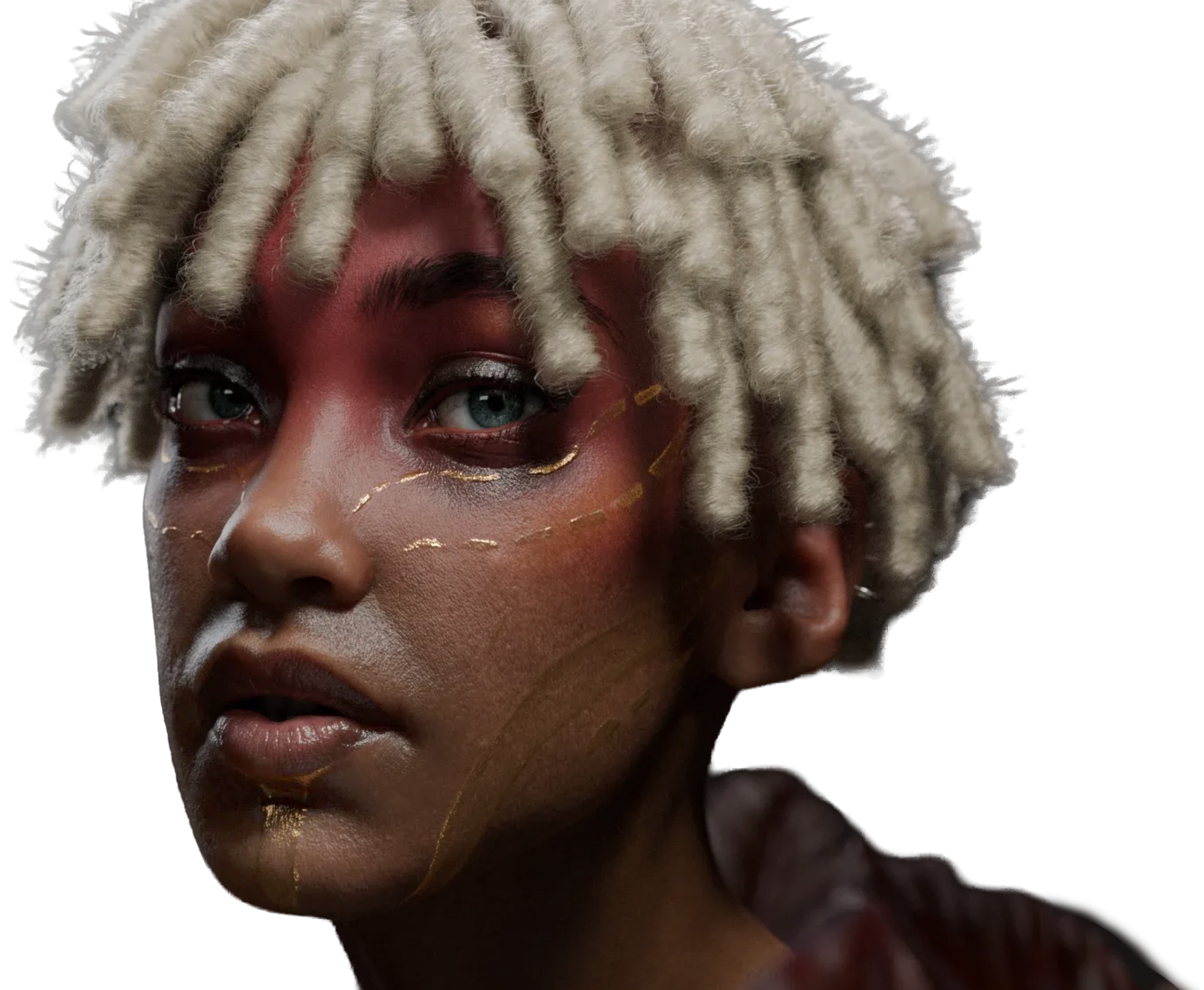
The FlippedNormals Lighting Scenes for Blender was built with one goal in mind: to help you create stunning portfolio renders with minimal effort.
Just drag and drop your asset into the scene, select the perfect setup, and render. The Lighting Scenes also lets you switch between setups on the fly, making it easy to explore different lighting styles, colors, and moods with endless customization possibilities.
WHAT'S INCLUDED
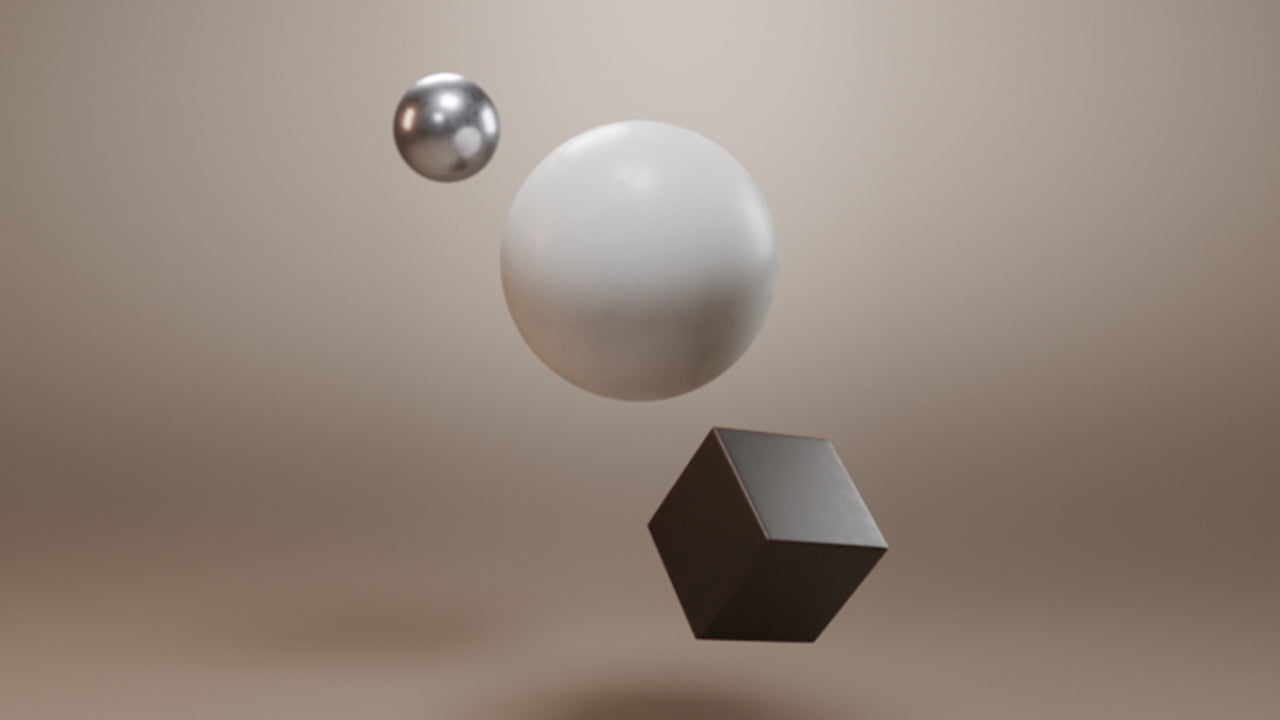
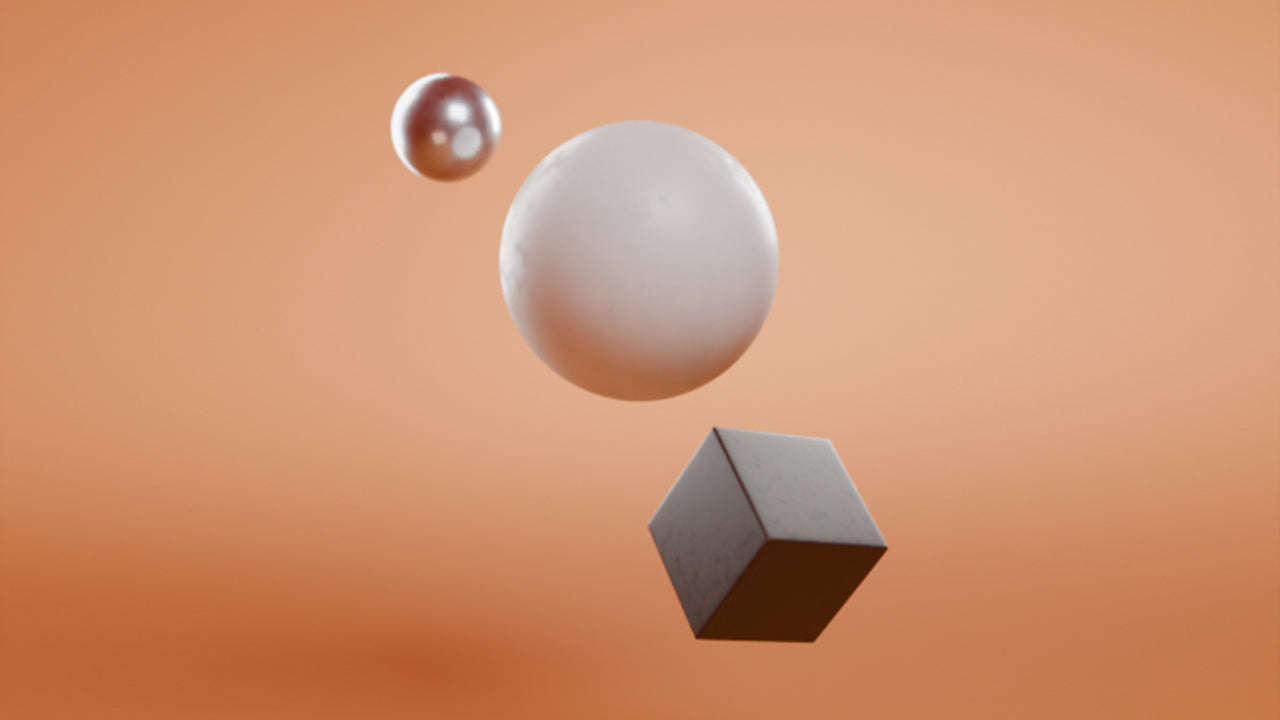
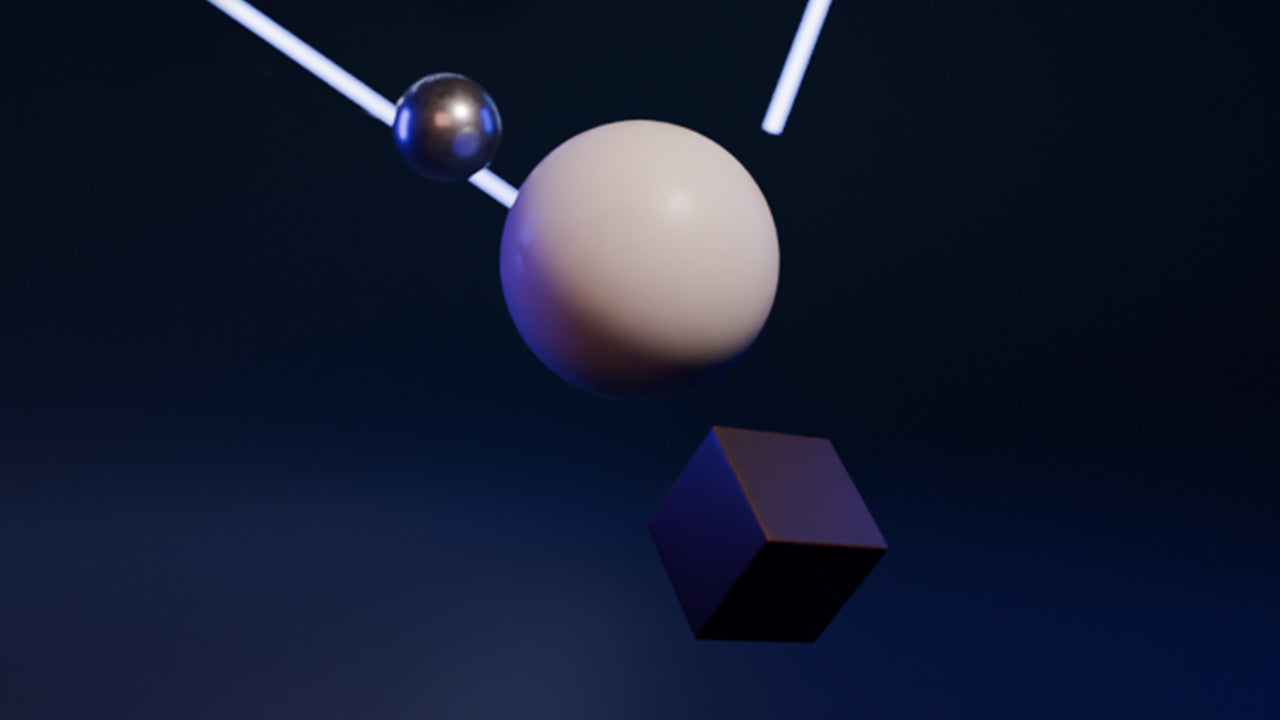
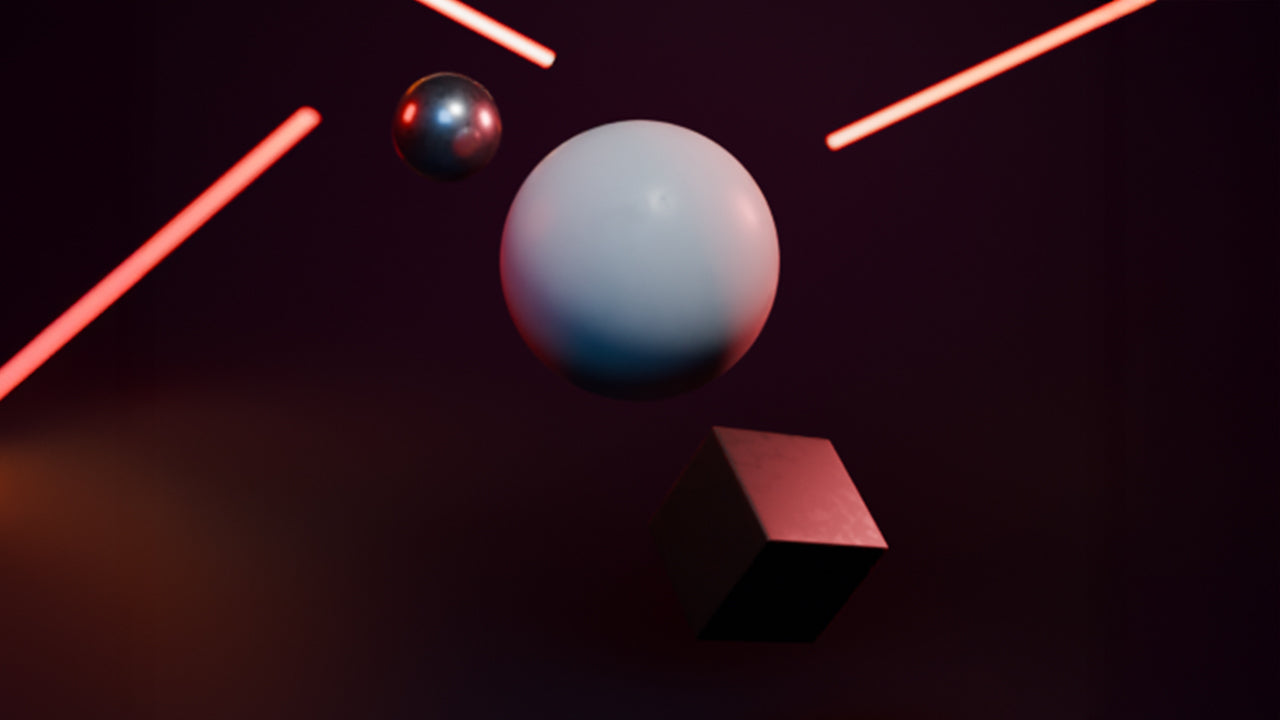
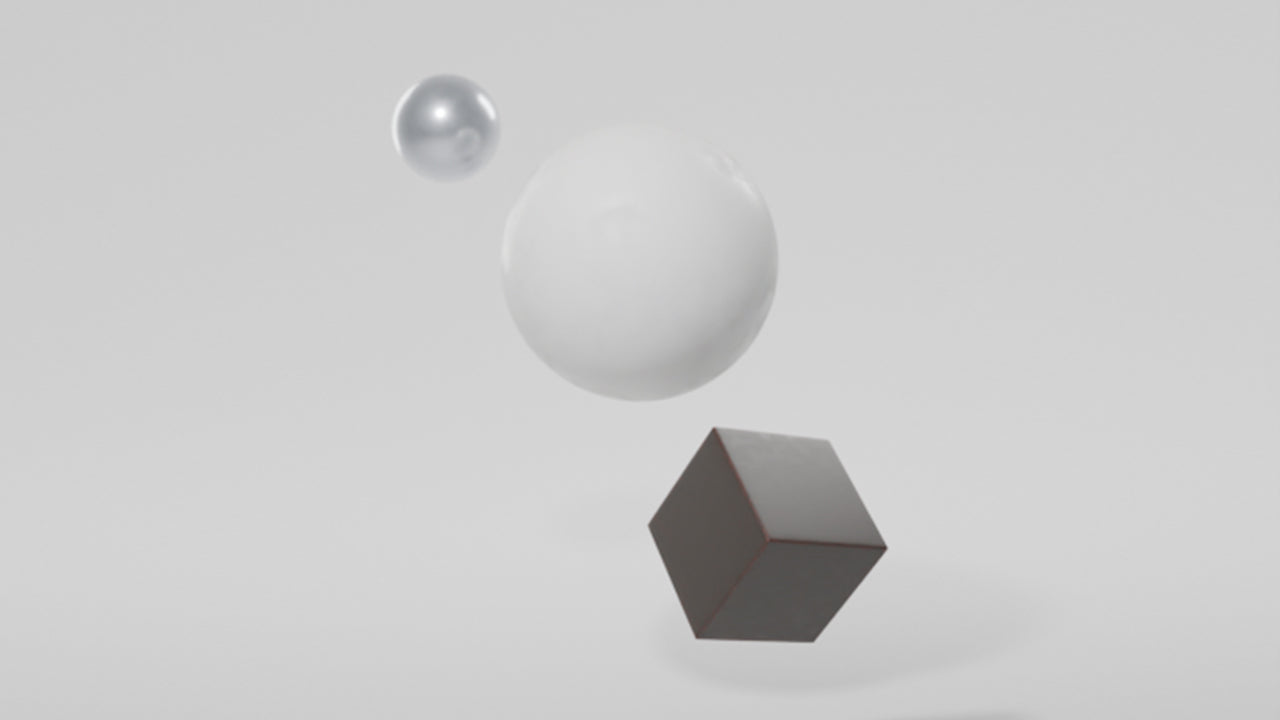
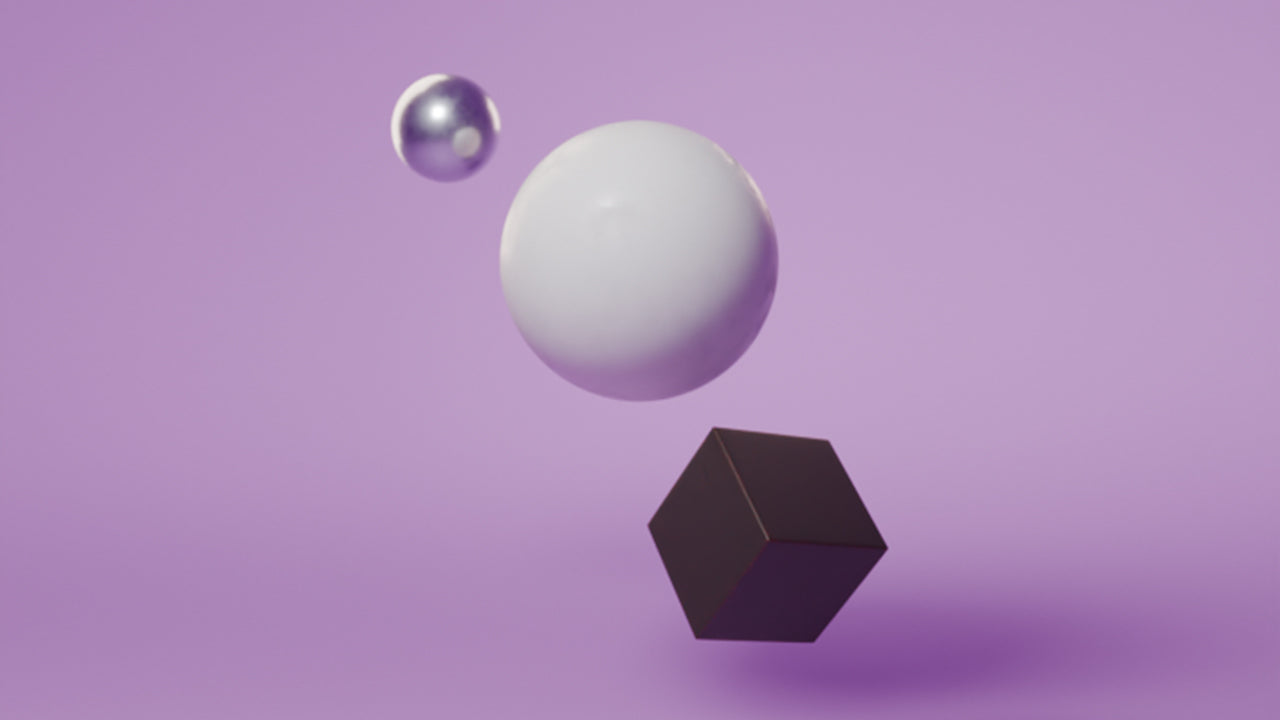
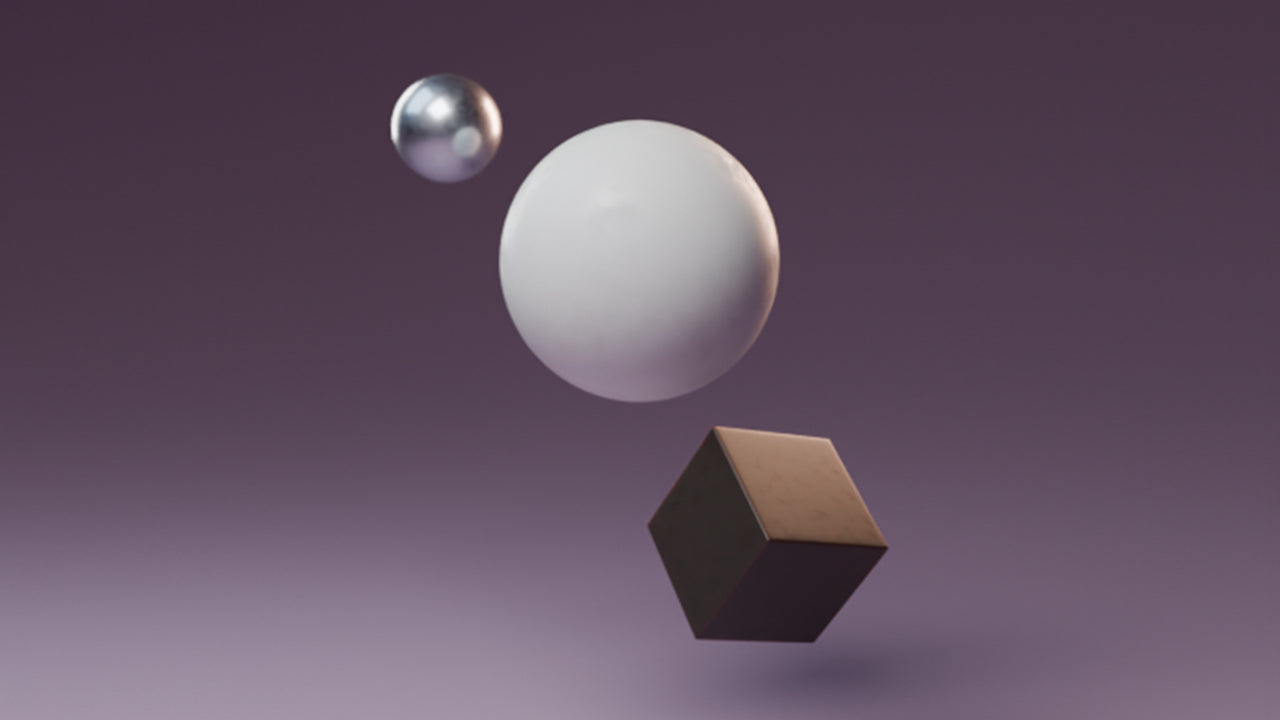
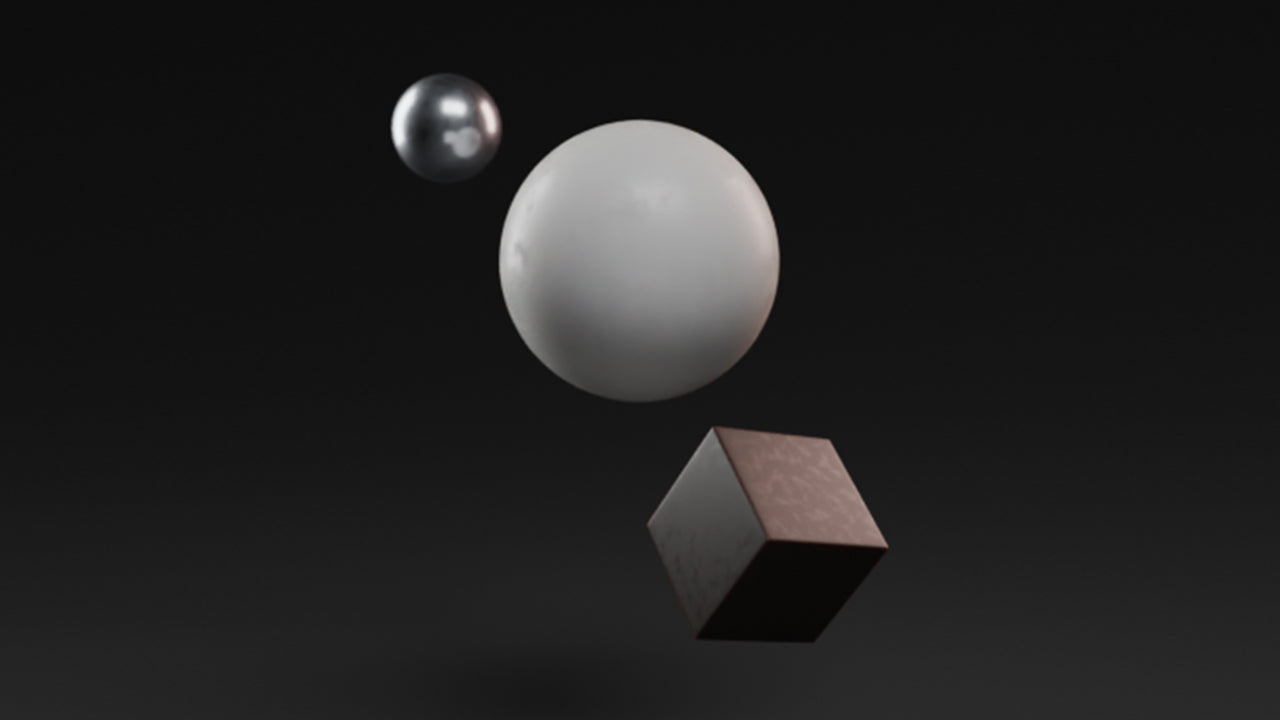
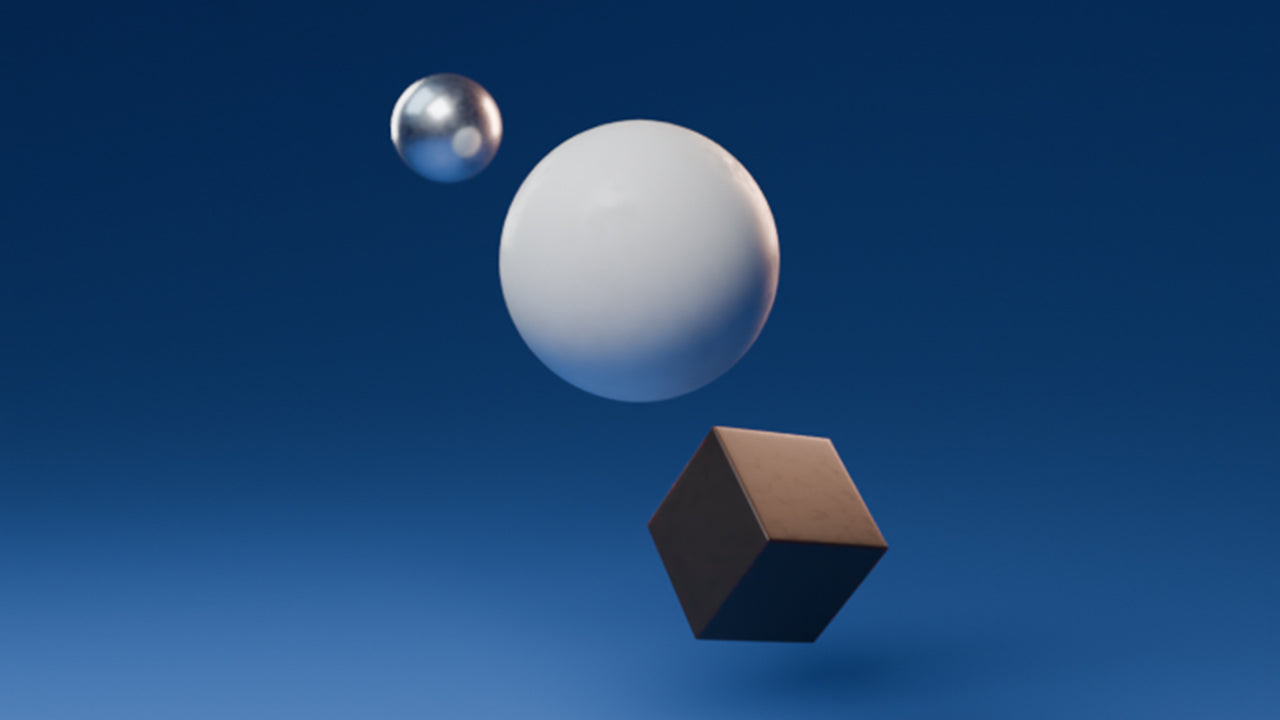
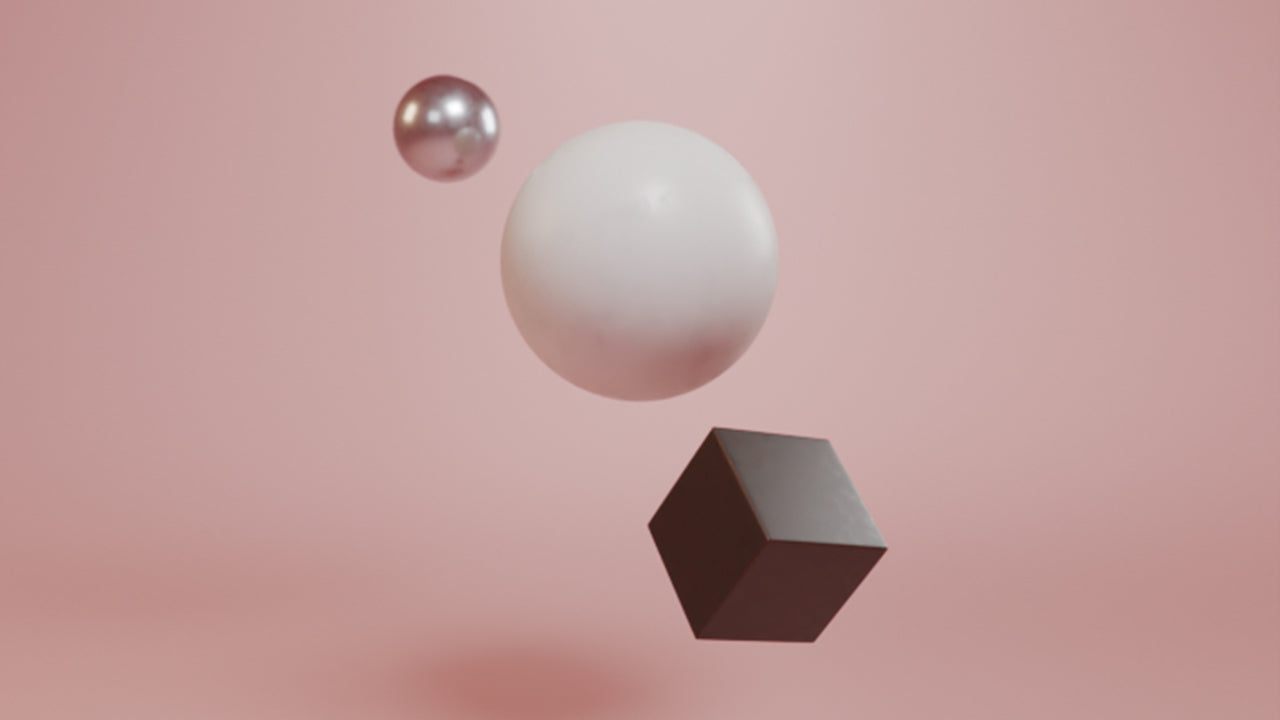
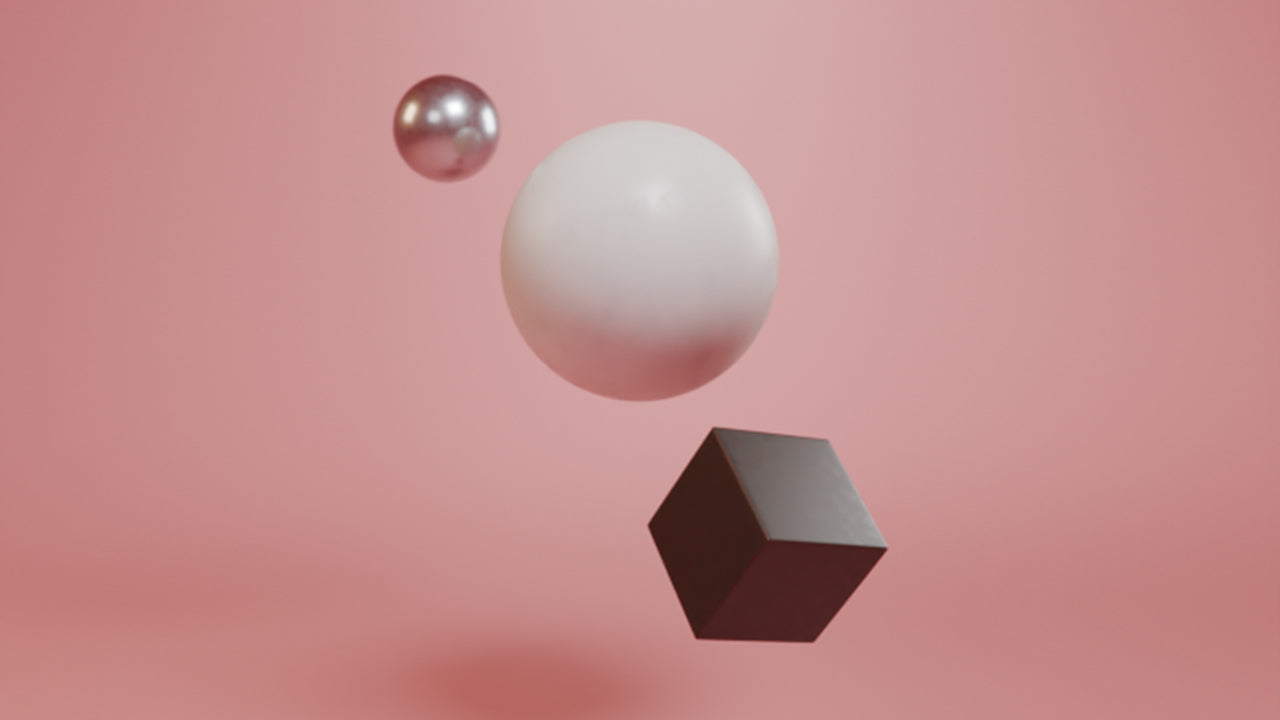

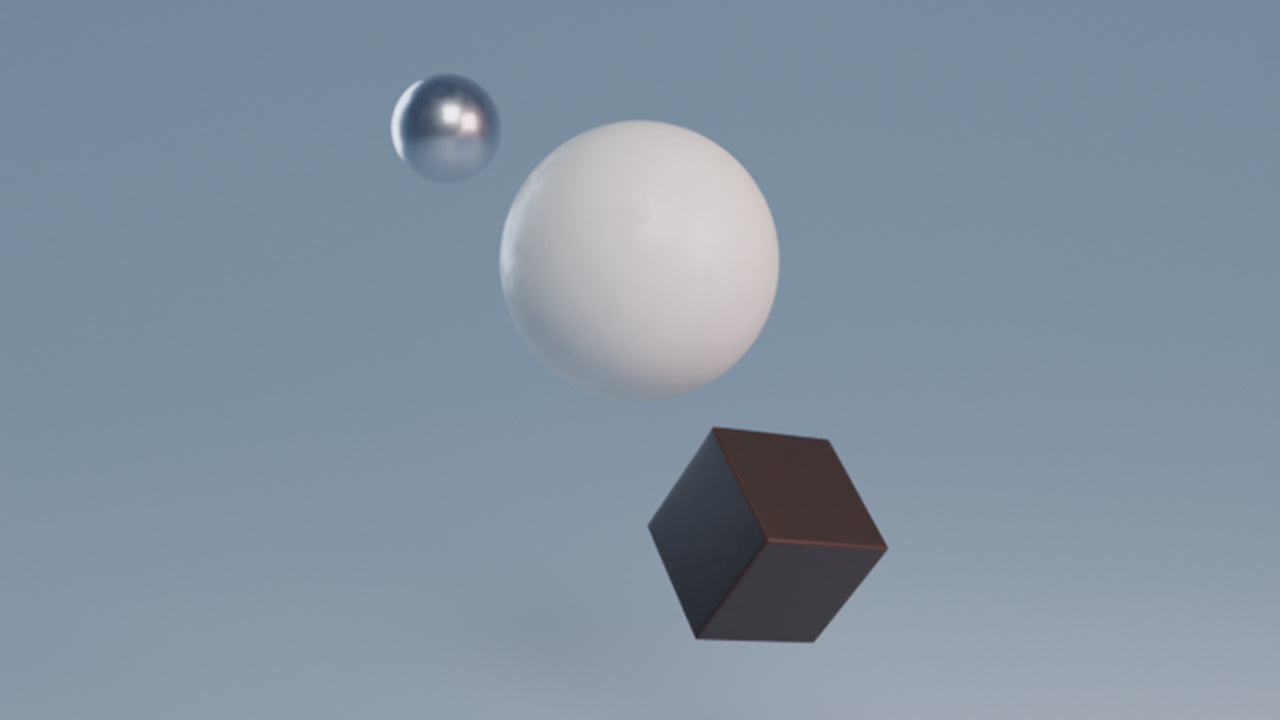
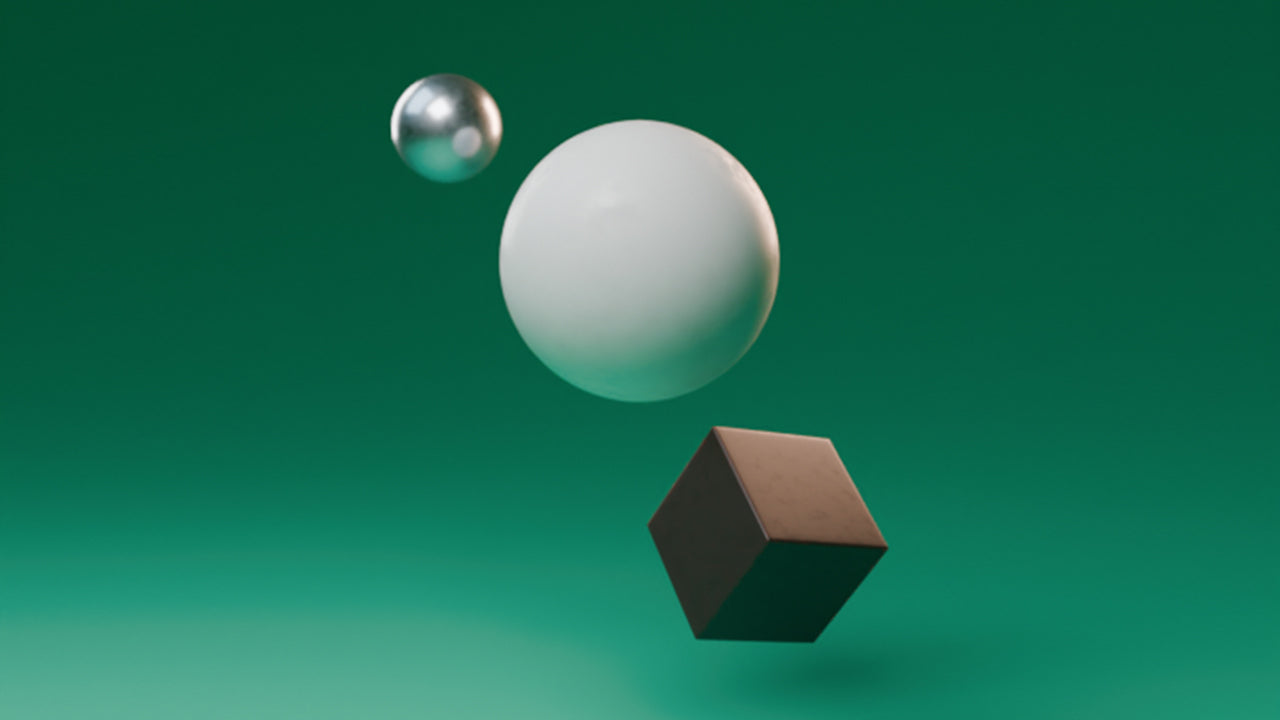
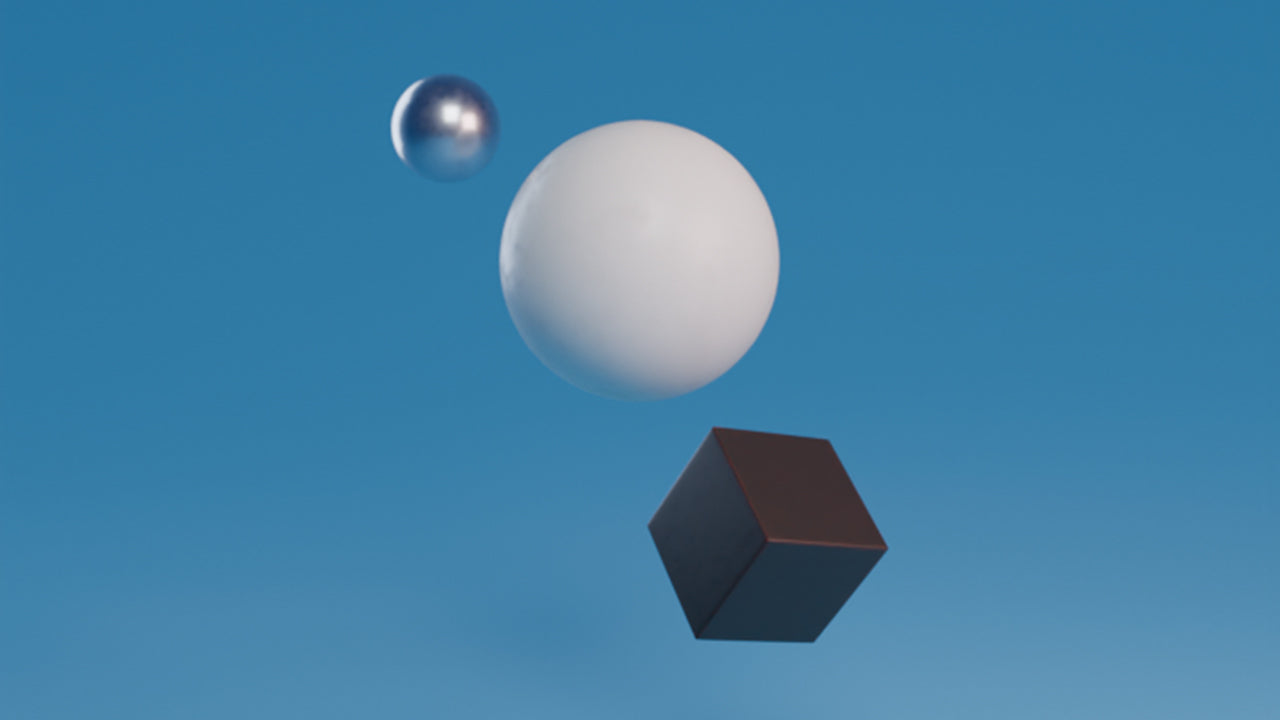
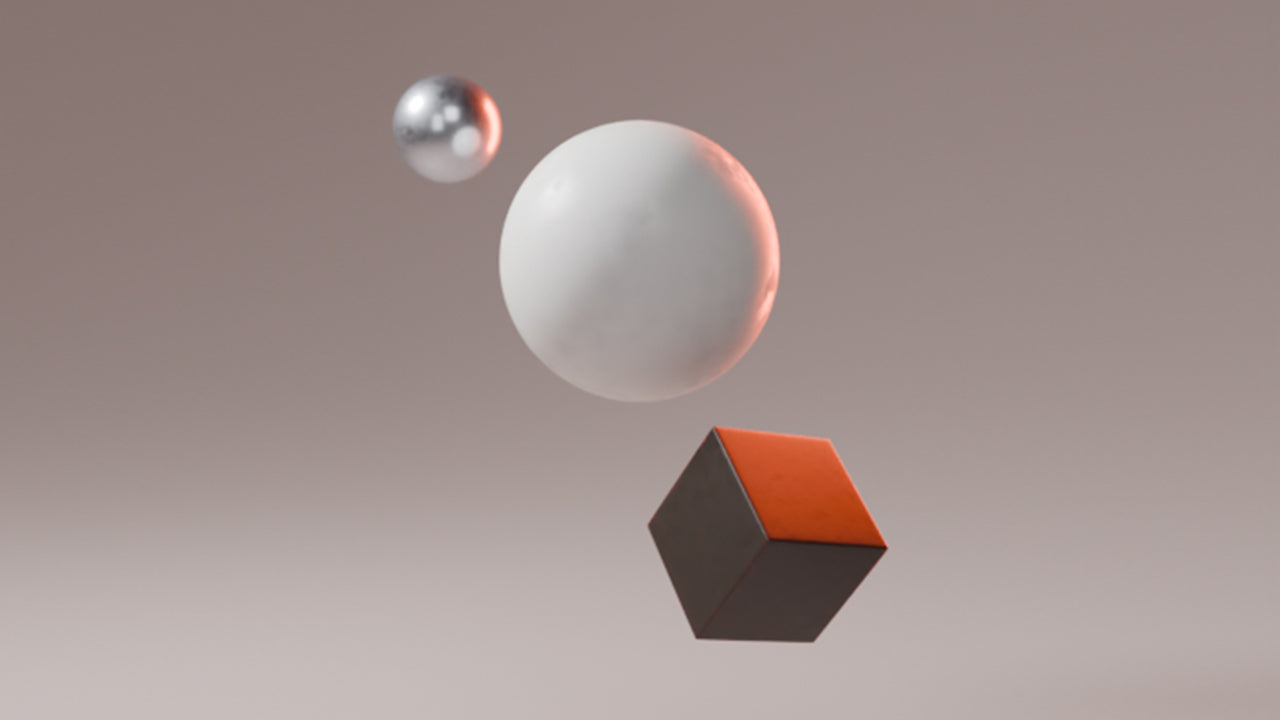
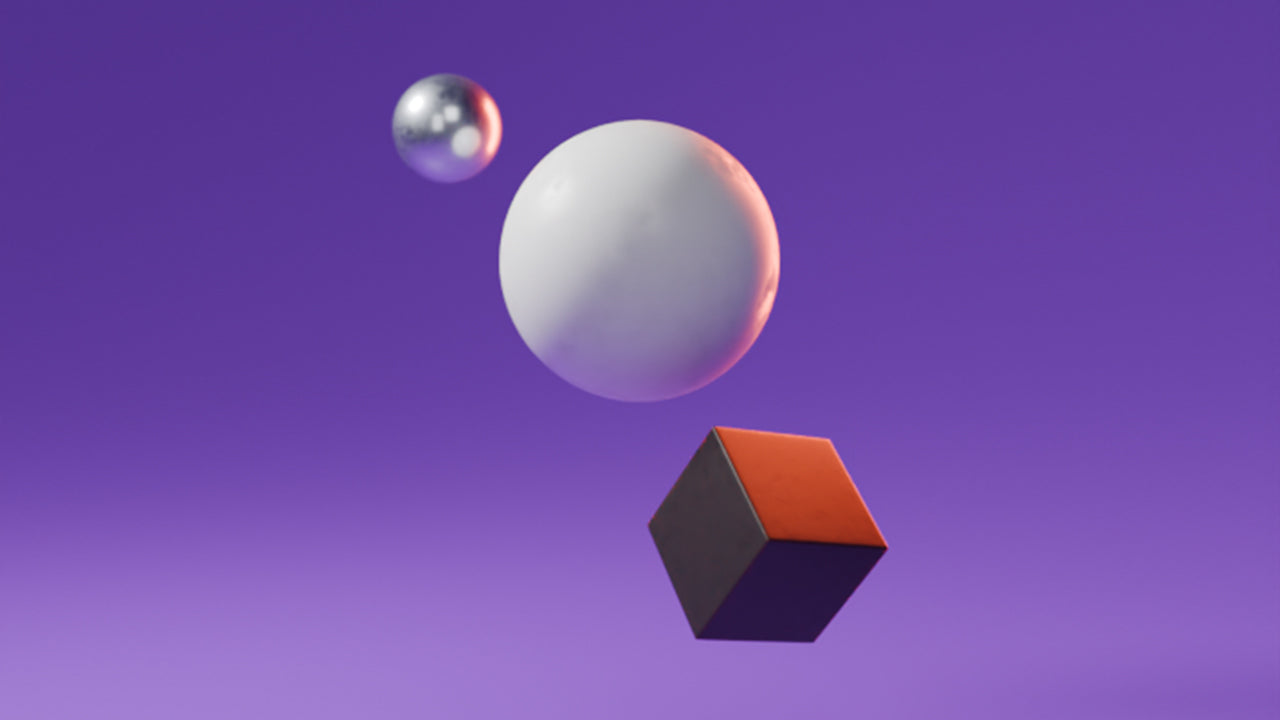
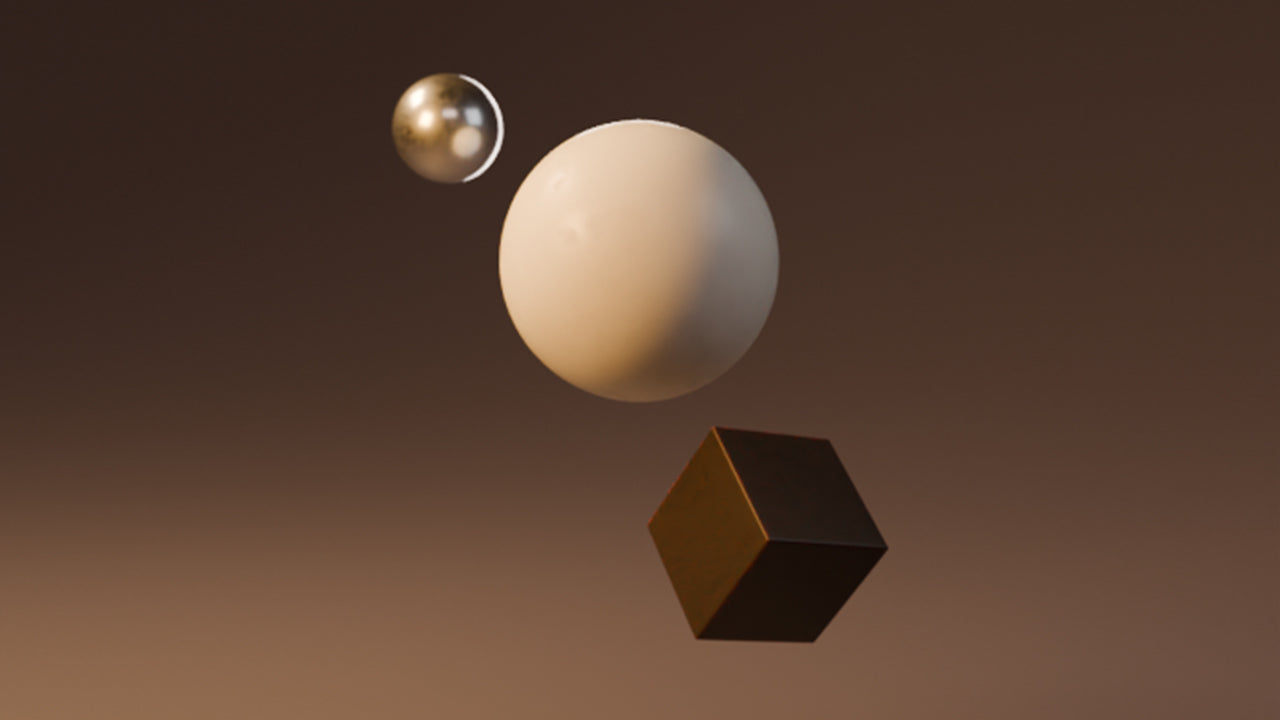
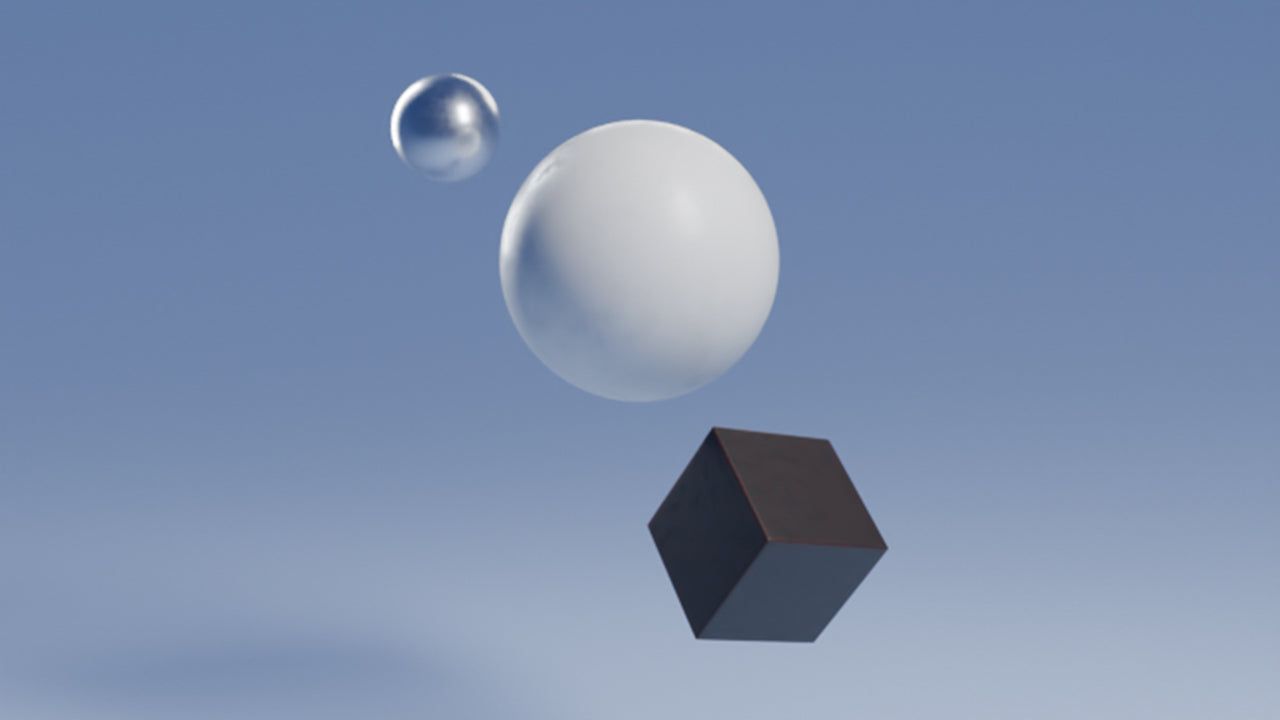
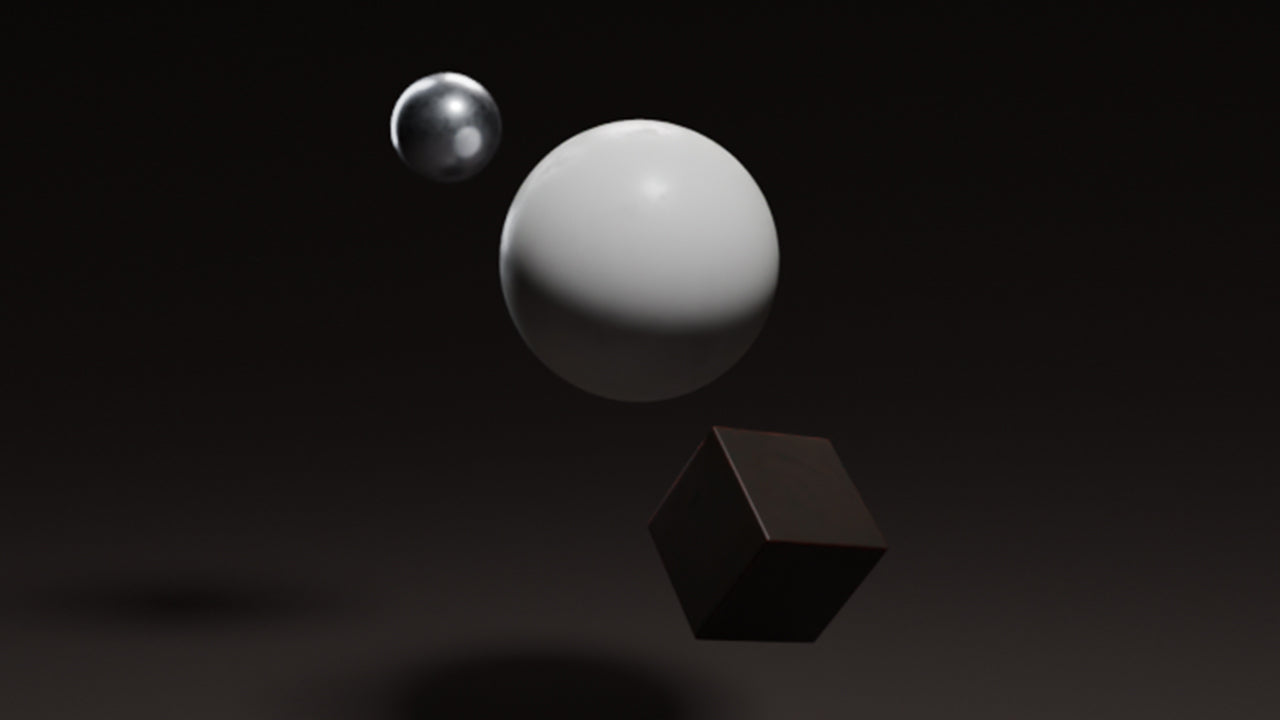
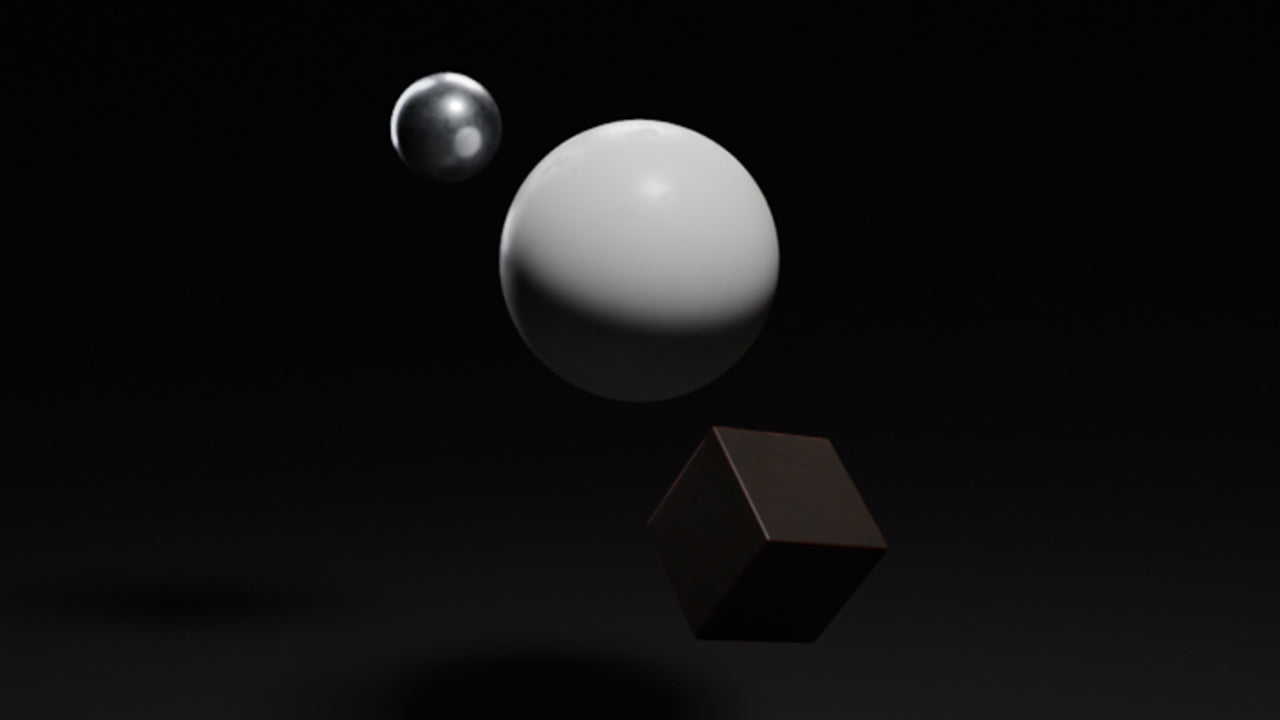
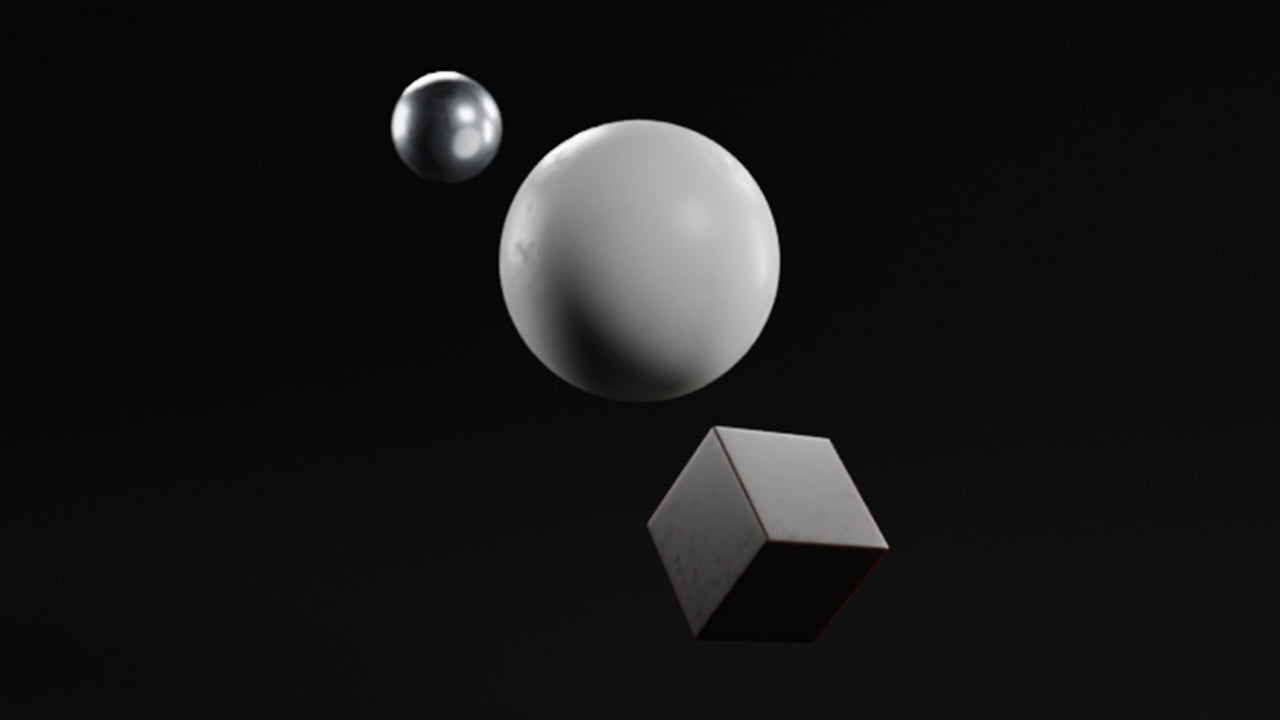
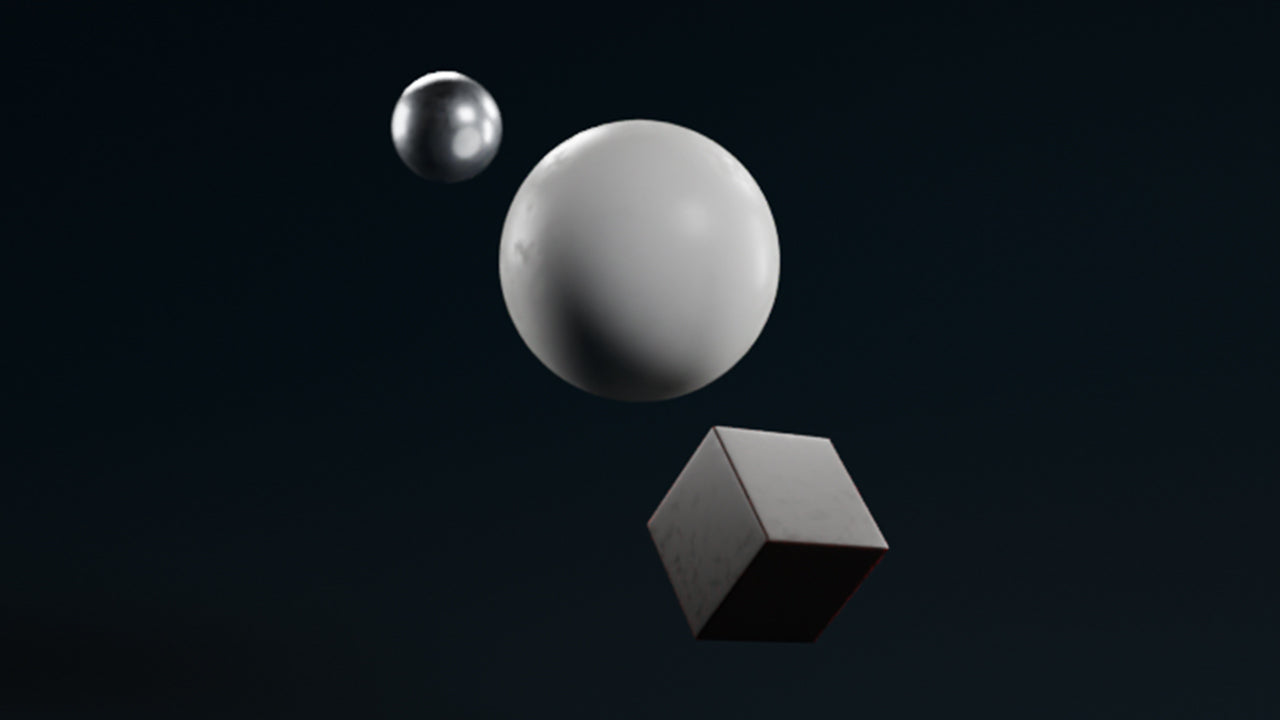
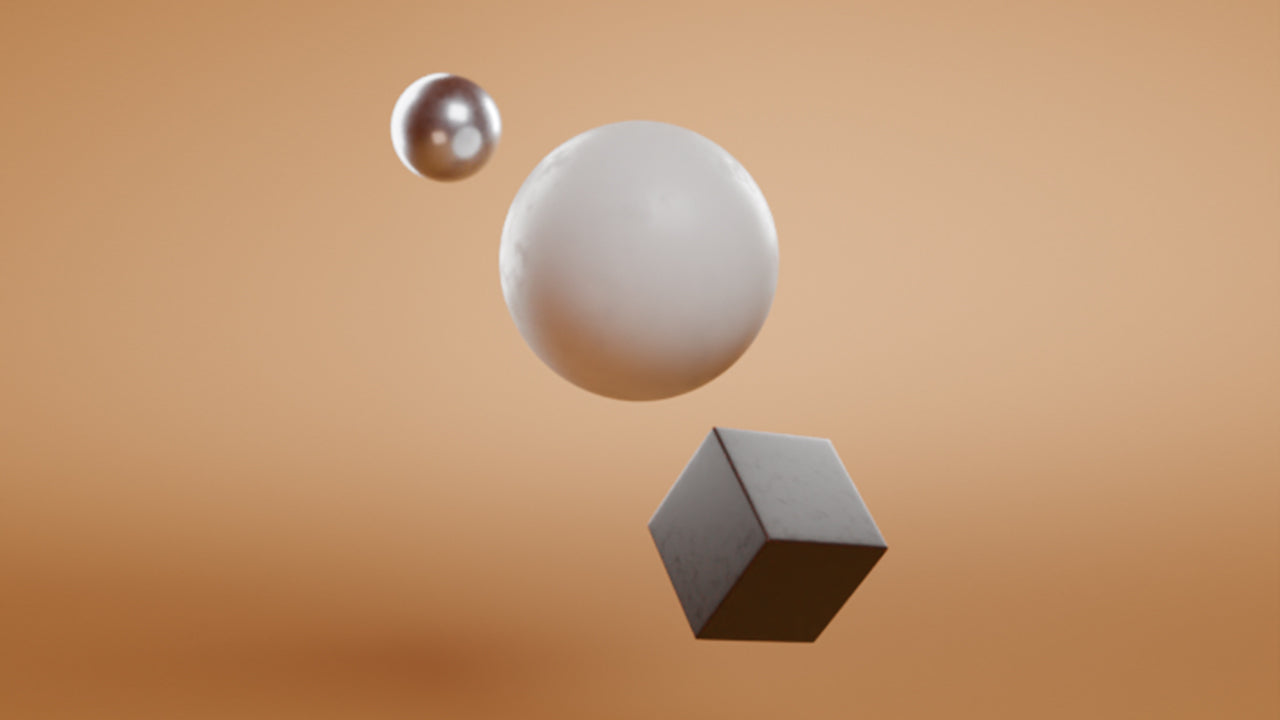
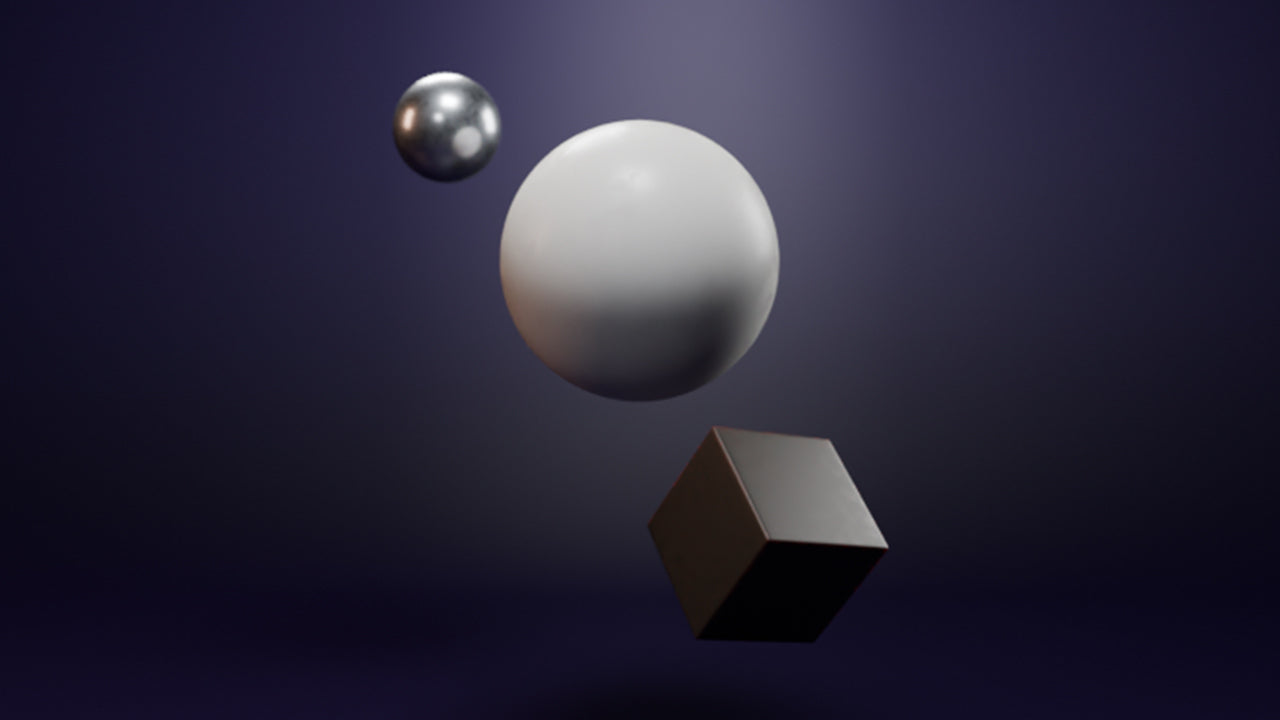
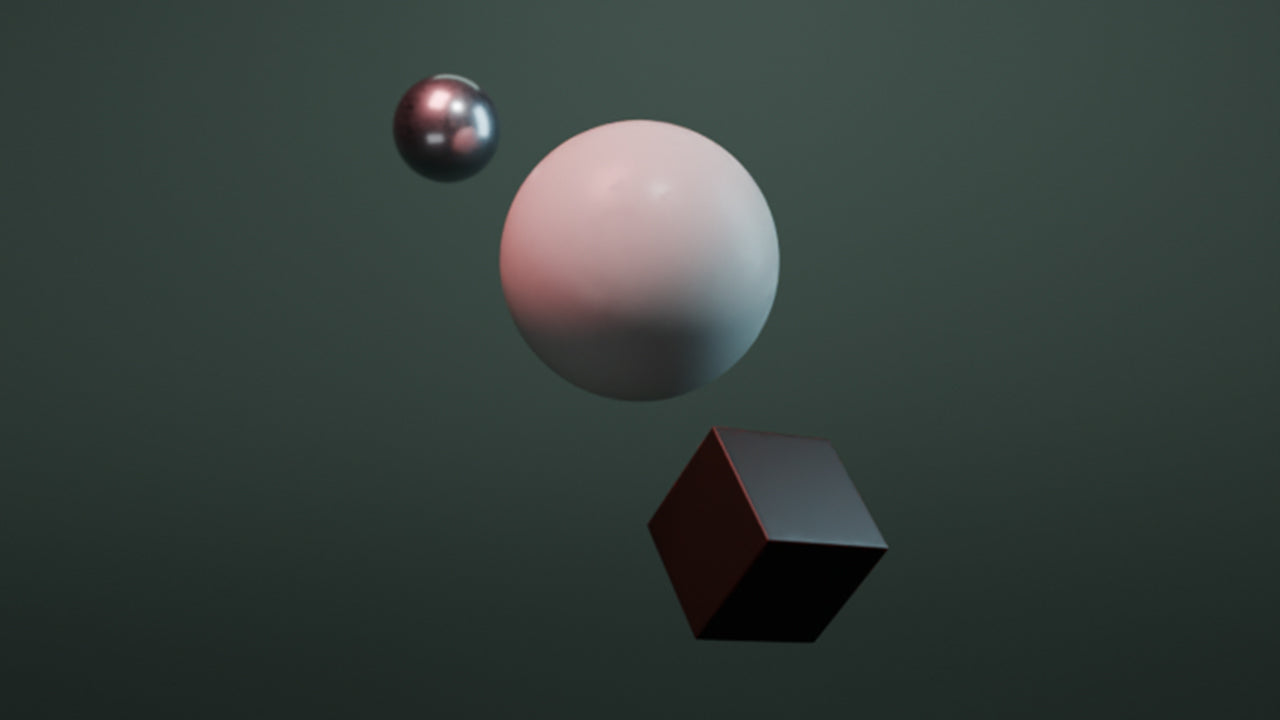
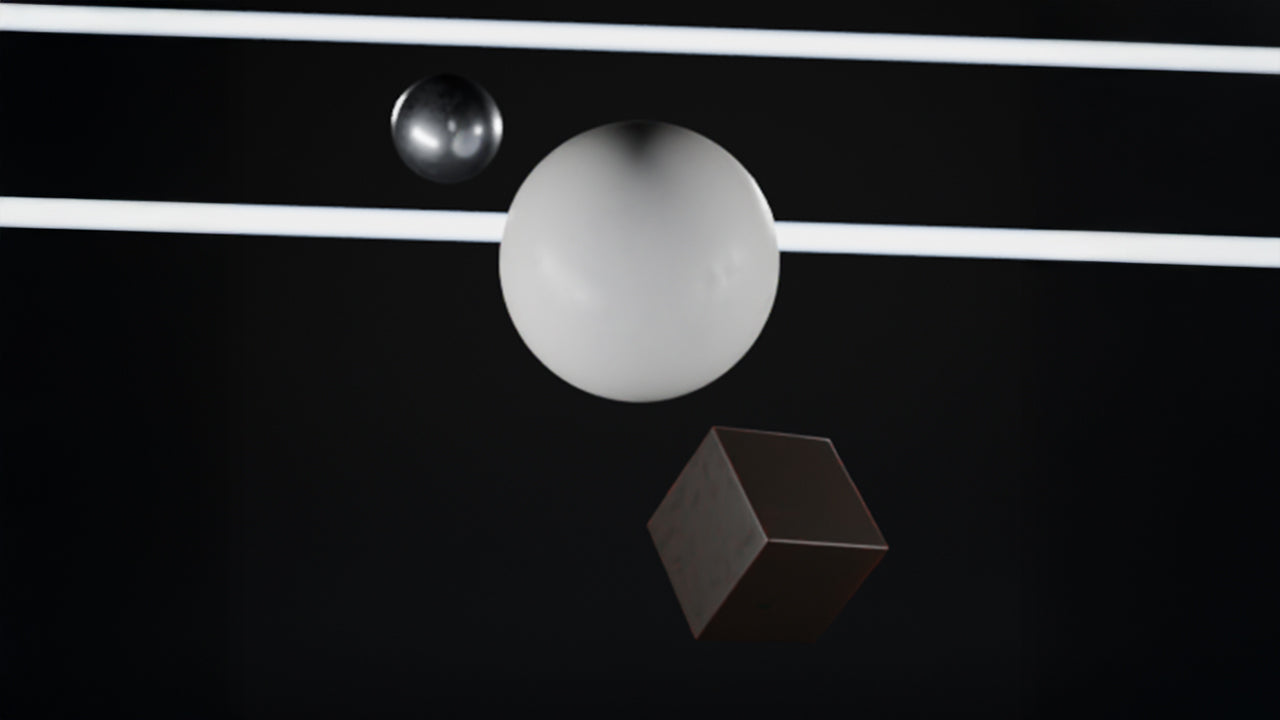
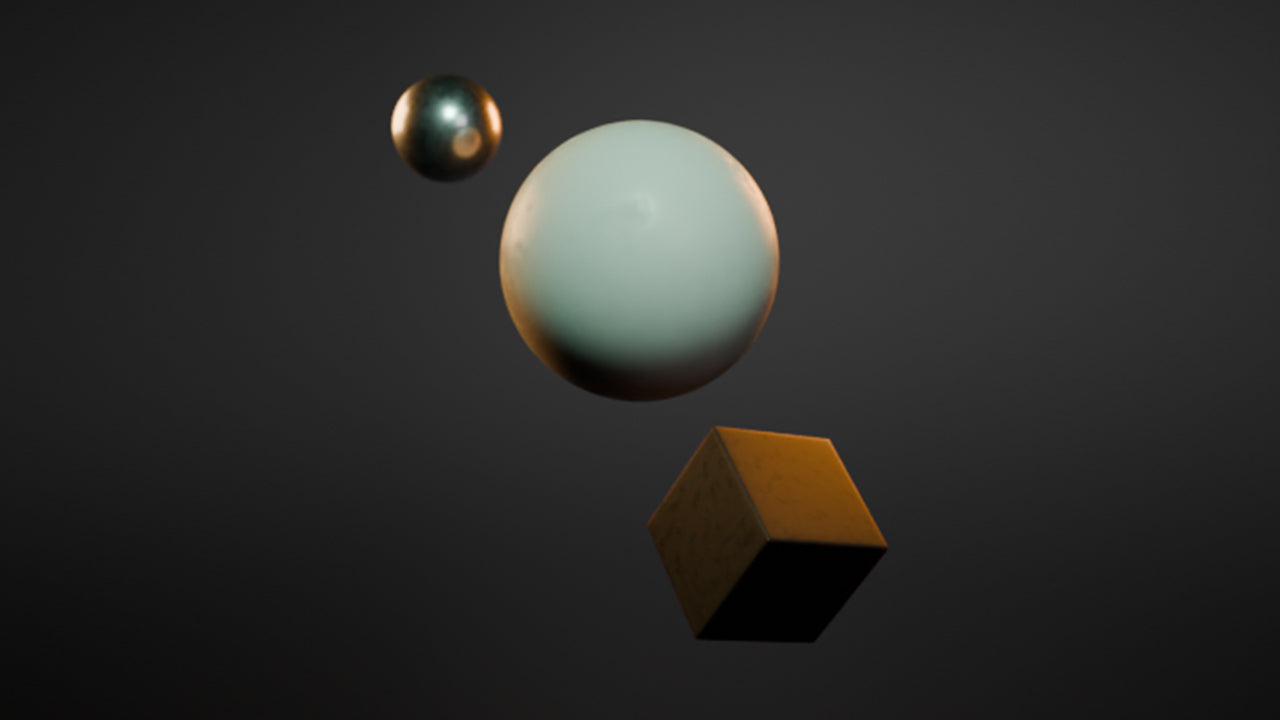
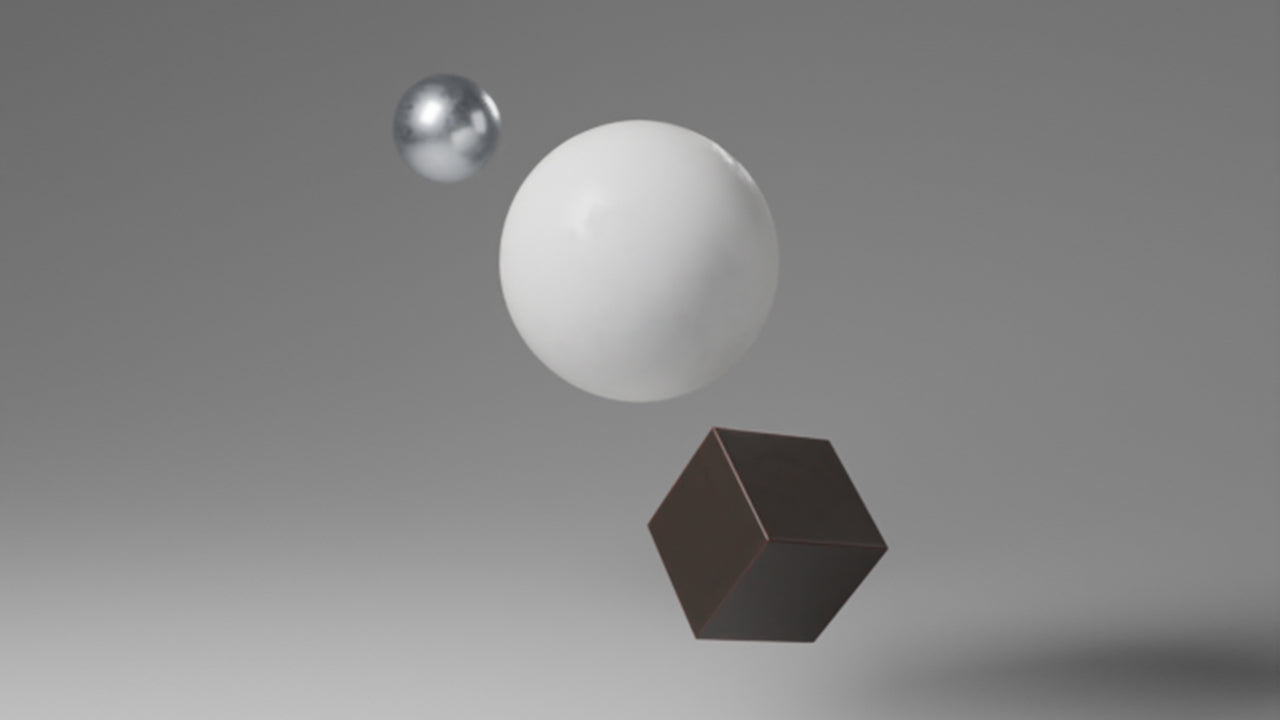
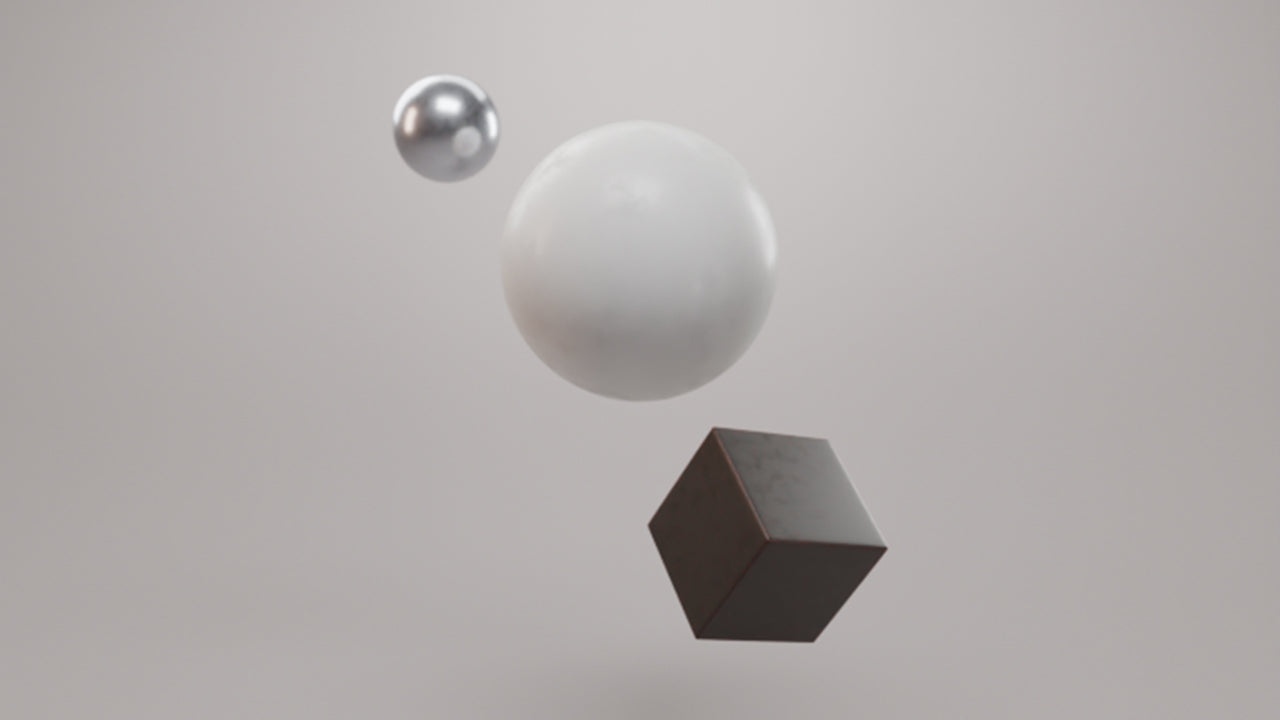
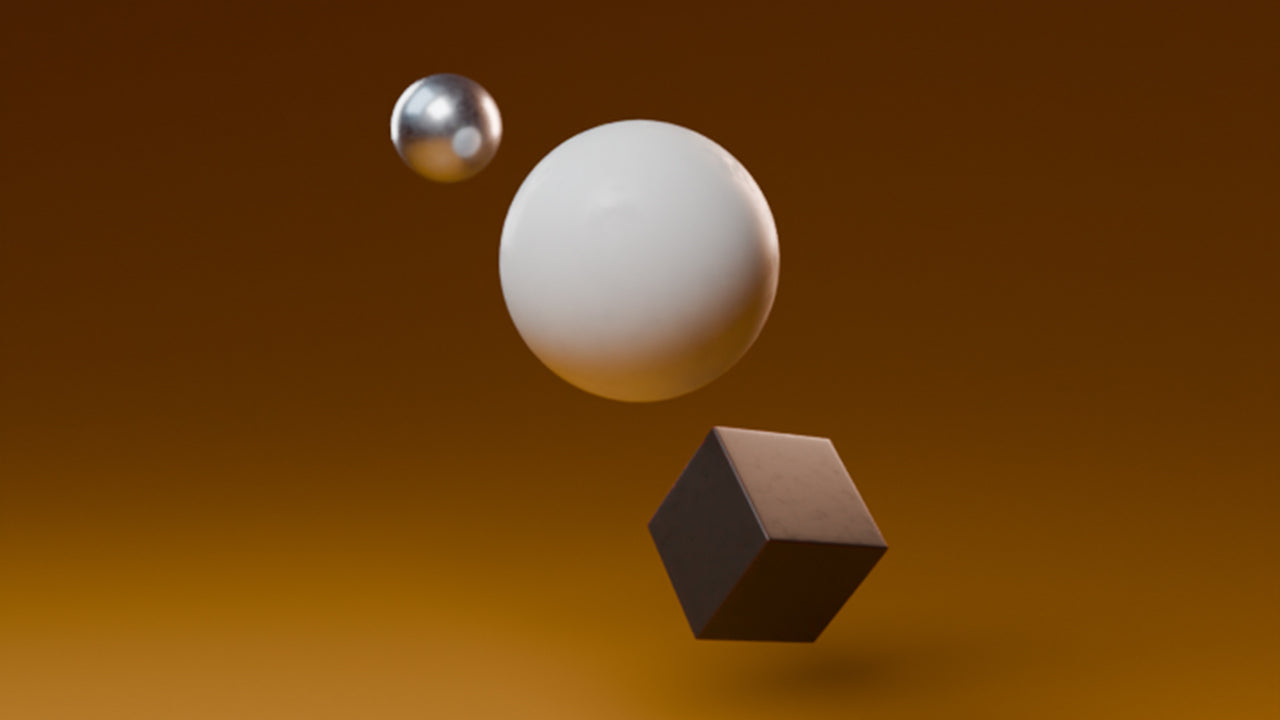
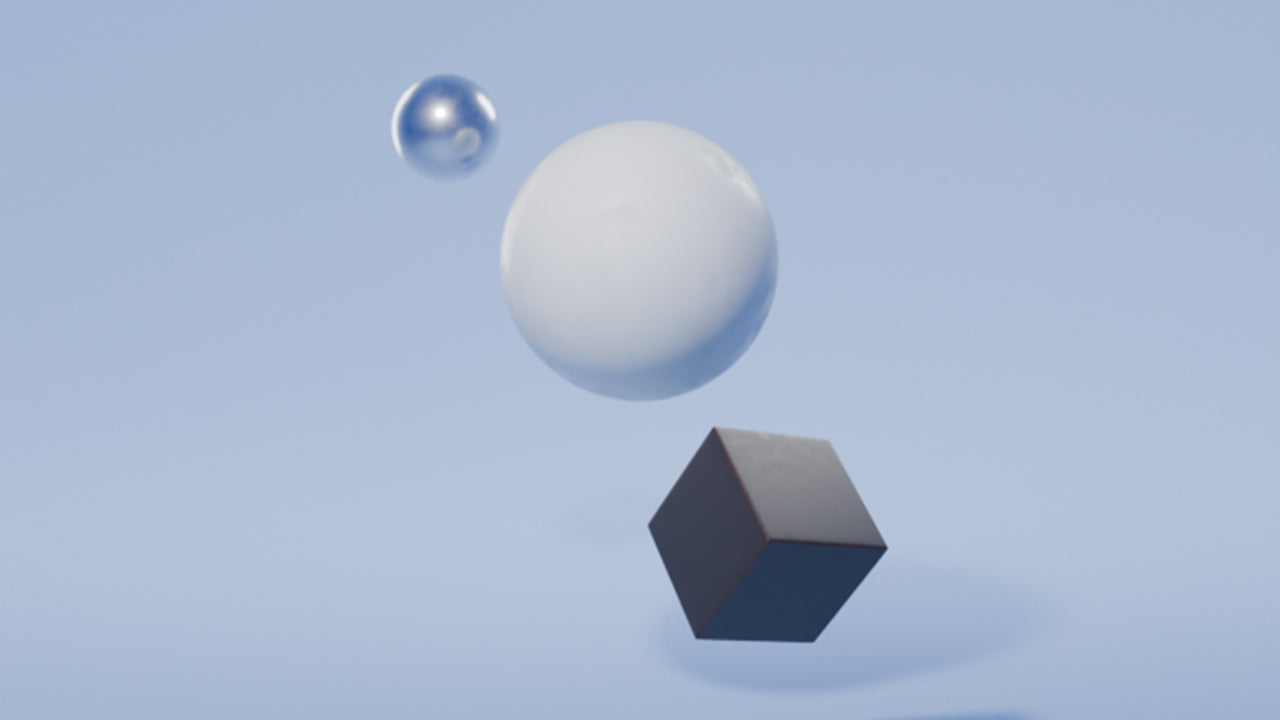
20 Unique Setups

Designed for Blender
Fully optimized for Cycles, fully compatible with AgX for accurate colors, and fully customizable - add, remove, or reposition lights, and experiment with Light Linking in Blender.
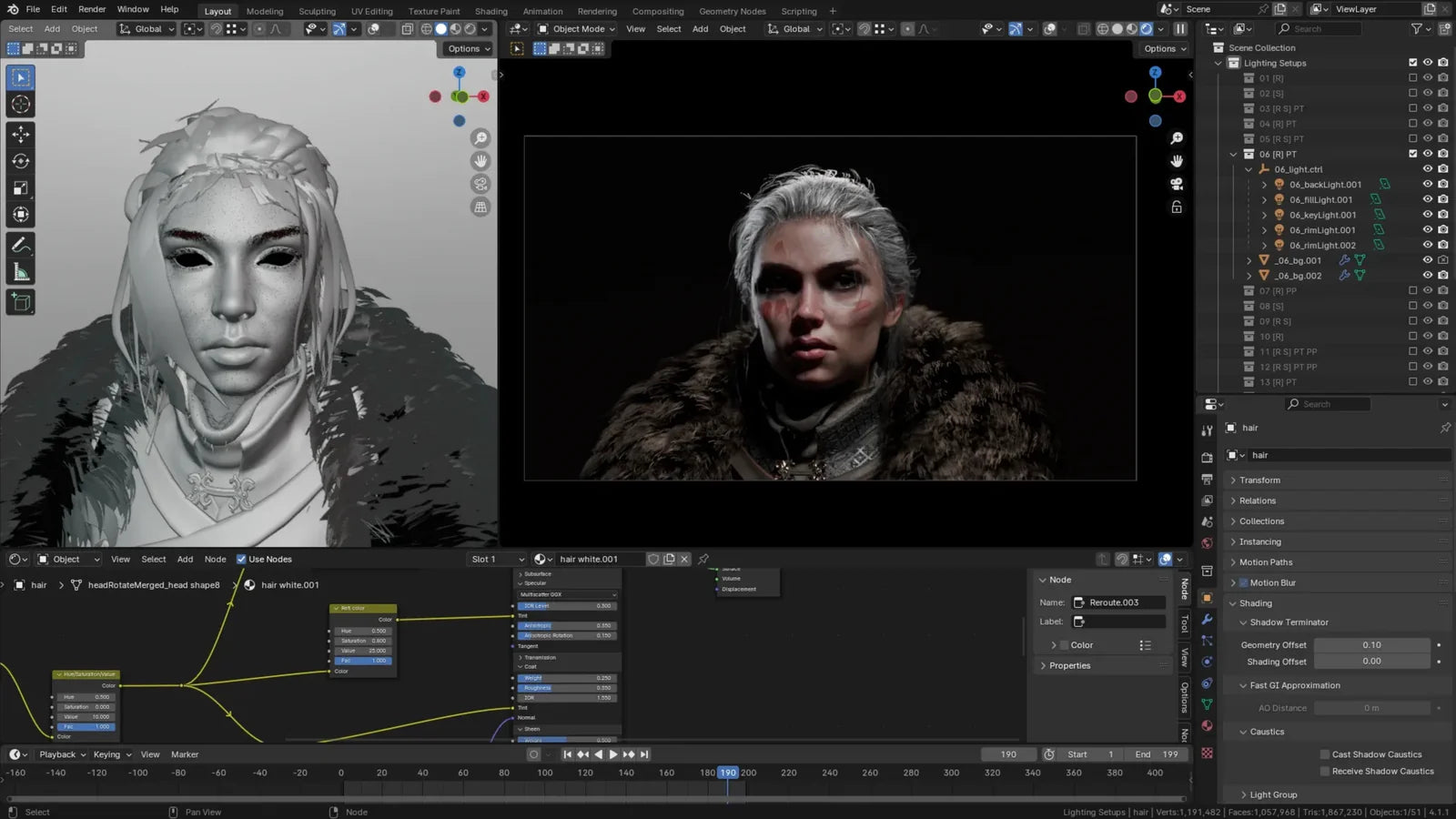
Drag & Drop Simplicity
Drag and drop your asset into the scene, select a setup, and render. The Lighting Scenes lets you switch between setups on the fly, making it easy to explore different lighting styles, colors, and moods.

Specifications
Software Compatability
The Portfolio Kit is designed in Blender 4.2 and is compatible with the Cycles render engine.
Lighting Setups
Includes 20 unique lighting scenes with background variations for a total of 32 presets. Each scene is fully customizable to fit your needs.
AgX Compatability
Fully compatible with AgX - achieve the most accurate colors and balanced scenes, optimized for post-processing.
TIP: Background Visibility
Seeing visual glitches on the floor of your scene? Some setups have multiple backdrops. Make sure only one is visible at a time.
Featured Artists
Thank you to the talented artists who are featured in the Lighting Scenes gallery:
Our toolkits are used in productions at