


great tool , its light and fast and does what i need it to do , its not super feature heavy but its fast and does the job for a good price


What is Quad Maker?
“We chase perfect quads because humans crave order even in messy creative spaces.” - Me, mostly.
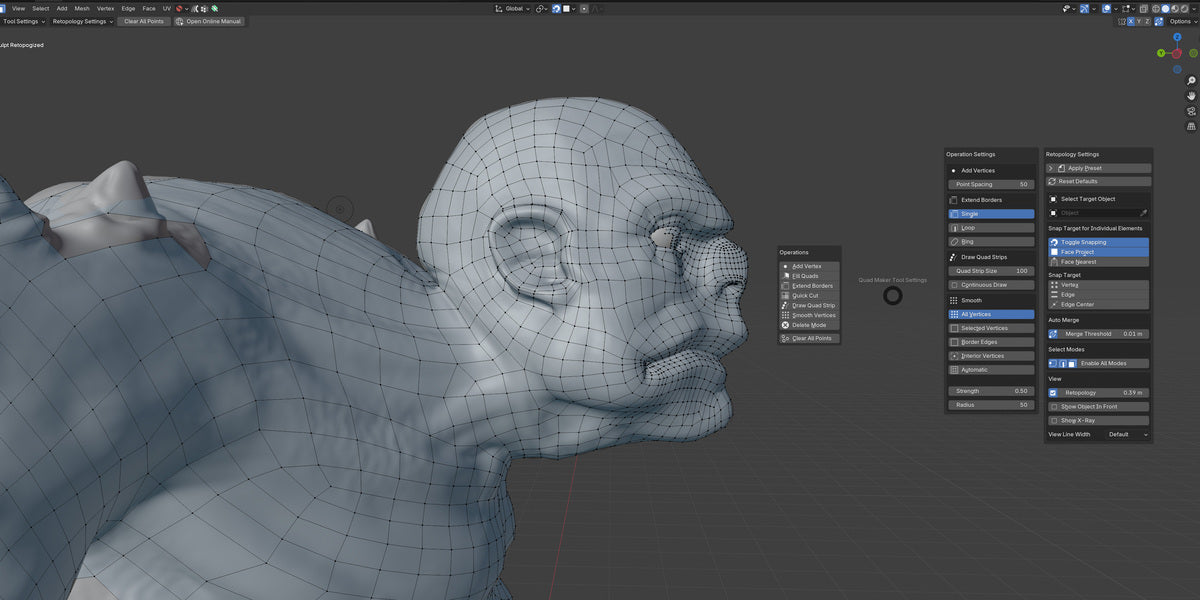
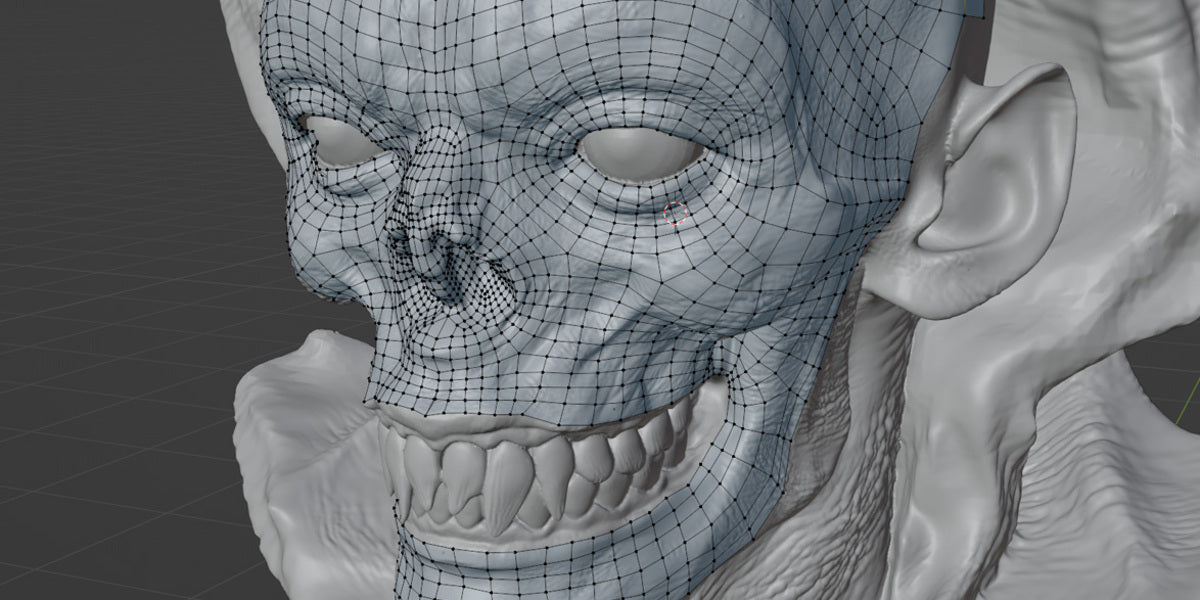
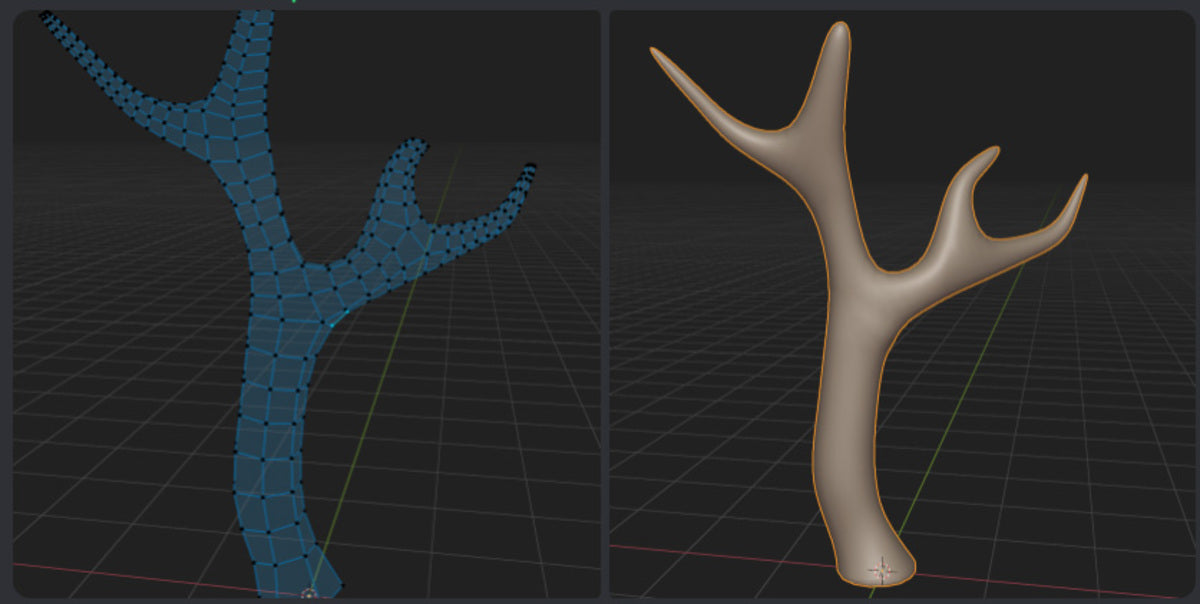
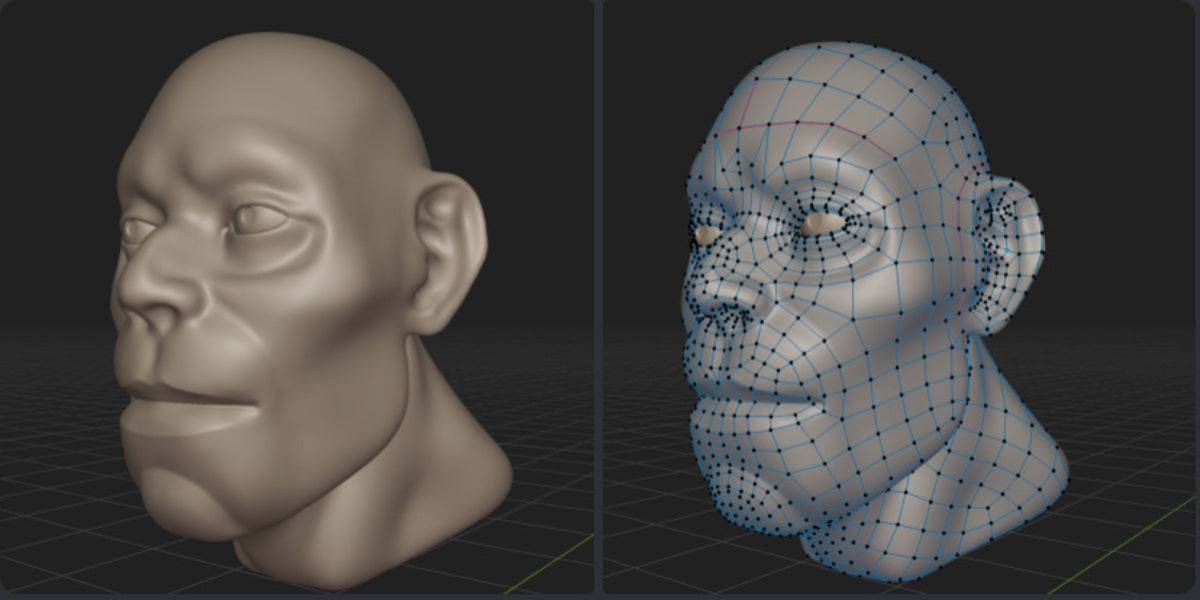
Quad Maker is for 3D Modellers looking for a streamlined manual retopology tool in Blender. It is a set of straightforward mesh operations designed to help 3D modelers quickly retopologize objects into clean, quad-based geometry.
In the spirit of Maya’s Quad Draw, Quad Maker offers Blender users a way to speed up their retopology workflow while maintaining flexibility within Blender’s existing toolset.
Read the documentation and see the getting started video.


The operations are:
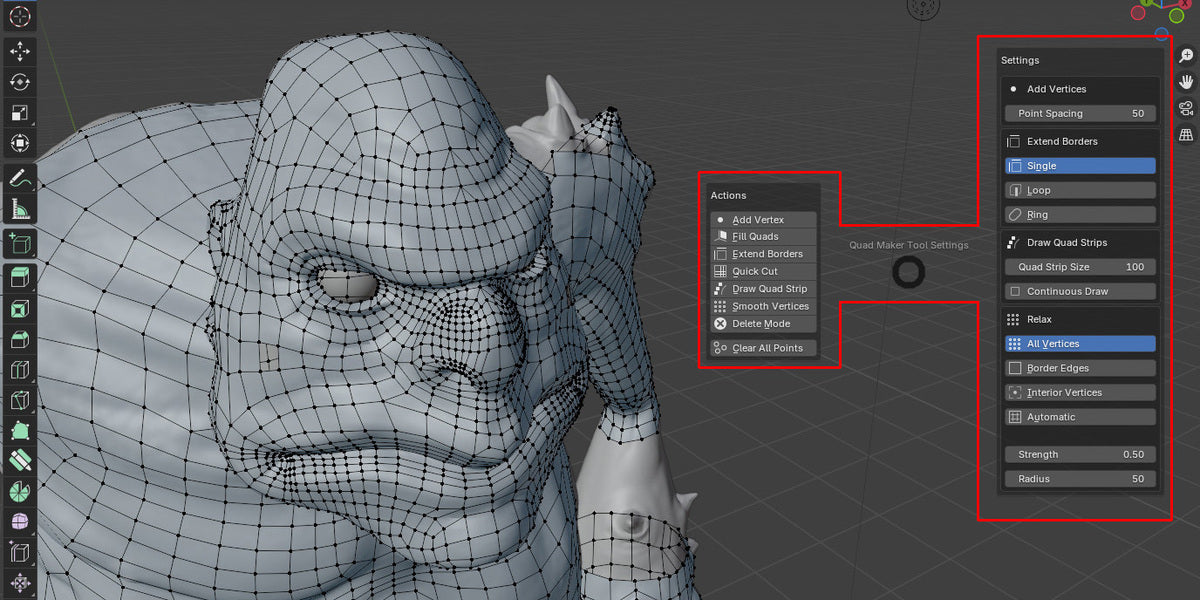
- Add Vertices: Quickly add point vertices.
- Fill Quads: Fill the point vertices and surrounding geometry with quads.
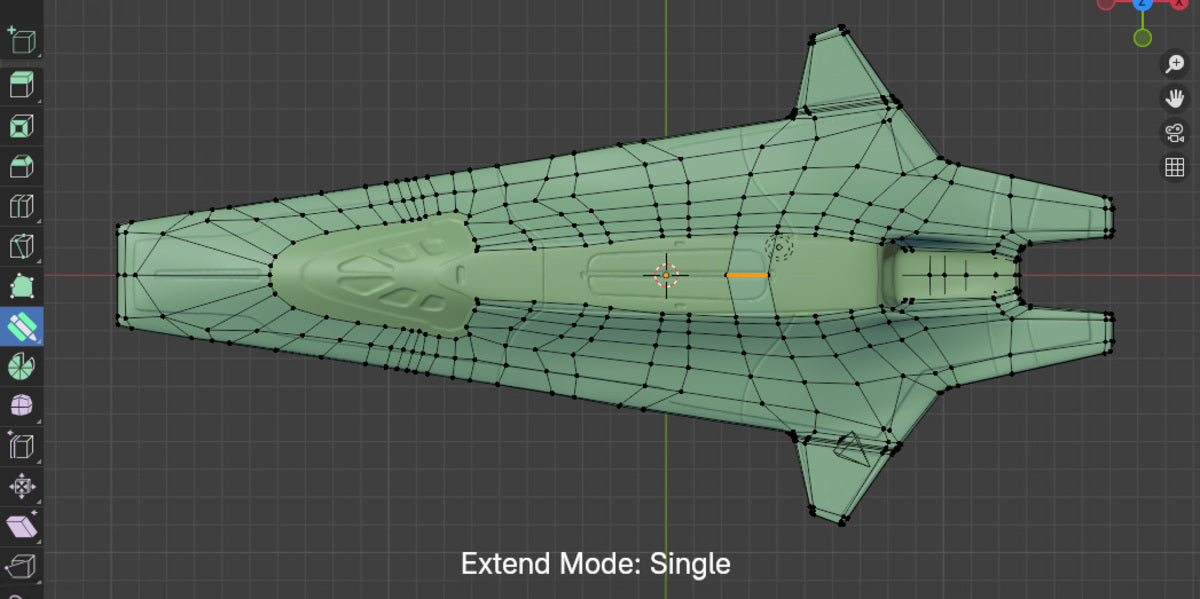
- Extend Borders: Extrude border edges and vertices either in single, loop or edge rings.
- Quick Cut: Quickly use the simple loop cut and slide operation with single clicks.
- Draw Quad Strip: Quickly draw out strips of quads on a target surface.
- Smooth Vertices: Smooth out vertices in edit mode.
- Delete Mode: Quickly delete vertices, edges and faces and dissolve interior edges in a single click/drag operation.
With a focus on speed and simplicity, Quad Maker brings together these essential retopology operations into a unified, hotkey-driven workspace tool, aiming for seamless integration with Blender’s native mesh editing tools.
Why Choose Quad Maker?
While advanced retopology tools like Poly Quilt and Retopoflow are available, Quad Maker offers:
- A focus on simplicity and speed without unnecessary complexity
- Reliable performance when retopologizing high-poly meshes
- A lightweight workflow that’s easy to learn and quick to use
- Designed for Blender users who value efficiency over feature bloat
For best results, avoid using Quad Maker directly on high-poly meshes or in extremely busy scenes. If you encounter slowdowns, bugs, or other issues, please email info@configurate.net.
Documentation
Documentation is at https://quad-maker-docs.readthedocs.io/
Questions?
If you have any questions or issues do not hesitate to get in touch by clicking the 'Ask a Question' button on this page or by emailing info@configurate.net.
Reviews & Testimonials
★★★★★
KRITZ STUDIO
“An impressively intuitive and user-friendly tool, this add‑on equips you with everything needed for a smooth, streamlined retopology workflow from start to finish. It integrates effortlessly with Blender, offering a comprehensive set of specialized tools designed to simplify the entire retopology process, allowing you to focus on the model’s shape and flow without getting bogged down by technical adjustments.”
★★★★★
Gokhan
“I’ve tried multiple retopology addons, and I can’t believe how user-friendly this one is compared to others! I only had to watch the tutorials once to feel like I’d been using it for a long time.”
★★★★★
Yousuke Kita
“I tried it without much expectation, and it was amazing! I can work on retopology to my heart's content.....It can only create 4‑sided polygons, but I can move and merge vertices, or dissolve edges without leaving the Quad Maker mode. (It can be considered to have the ability to handle N‑gons.)”
★★★★★
Magdalena González
“The best retopology tool. Even for people who are starting out in 3D, they can use it without problems.”
★★★★★
Pablo Angeles
“Best and Fastest retopo tool for Blender, intuitive, and perfectly integrated with Blender Default tools. The fastest learning curve, just a few minutes and you will be able to retopo with ease. It actually makes the process fun. Amazing tool!”
Related Products
5.0
3 ratings on Gumroad
38 ratings on Superhive
this is the best, most easy to use retopo tool I've ever used. Like ...amazing, beats the one in Maya by a LONG SHOT. haven't used anything so intuitive
Really loving this addon so far! I love how simple it is to set up and use, as I've always held back from other addons due to their price or their overwhelming complexity, but this addons fits that bar perfectly! It works so smoothly with my workflow, and has a nice variety of features to make retopology much quicker and easier. Highly recommend!
This is a perfect add-on! When I'm really overwhelmed and on a time crunch, I start with AutoRemesher, but this is what I prefer to use. The smooth tool and all its settings are invaluable. I really wish the loop cut and slide tool would work like the default tool does (the one with Ctrl-R and the mouse wheel), and sometimes I wish the extrude tool had some options to set automatic cuts like Ring mode has, but it's still a great tool. With tools like AutoRemesher out these days, I don't see the point in anything as involved as Retopoflow for manual retopologizing. Get this!
Easy to use and stable. Highly recommend!
This is great! Easy and actually even fun to use. Who knew that retopology didn't have to feel like a chore? :-D
Such a good plugin that removes my need for 3dcoat and 3dsmax for retopology - this combined with Zbrush is such a powerhouse move. And the developer is super helpful and genuine. WHY HAVENT YOU BROUGHT IT YET!
Amazing! I switched from Topogun to this, and I don't think I'll be going back. Only thing: I'd love if this had a cylinder feature so it's easier to do hands, arms, legs, horns, etc. Other than that, it's very good
Insane It should come preinstalled in Blender. It’s a must-have plugin.
It feels like MAYA's quad draw! And the creator responed so quickly right after I was having an issue.
I didn't know it would take me years to find the perfect replacement for Maya's quad Draw - Quad Maker does it's job extremely well, everything that I needed, working fast and intuitive. Thank you So much!
Good bye Maya!
Over the years I have tried every addon in Blender to aid with retopology the way Maya does. While Retopoflow and Polyquilt are the best addons for it and Topogun the best intuitive standalone, they don't quite have that weightless and progressive feel that doesn't tire you after a while.
So I kept my Maya subscription just for retopology. Until now.
I'm going to argue that Quad Maker is not on par with Maya's quad draw, but it's better.
The integration into edit mode is a complete game changer and the handling is exactly what any serious 3D artist needs from a retopology tool.
In less than 24 hours of buying it I decided to end my abusive relationship with Autodesk for good. That's how powerful it is.
$20 not only upped my game with efficiency and productivity, but it's such a small investment that saved me a lot of money!
A must have!
Thank you Mark for sharing your genius with the world!