
In the first video, the video seems to be out of sync with the audio instruction. The audio at the initial part seems to be getting soft, then loud, then soft, then loud - it is quite annoying. Closer to the assignment part, when the audio was talking about the piglet tutorial, the video was still showing the turtle. Also, when doing the painting steps, I felt that there's not much guidance with regards to the theory.. it is just watching someone do digital painting. For a beginner, they may not be able to associate why and how that needs to be done. Also, what I find "annoying" is the instructor kept saying "do whatever you prefer or works for you" blah blah. While I understand what he is trying to communicate i.e. you have a choice - in a instructional like kind of video, the person would not know how the choices would be or how it turn out. Better to demo all the approaches and outcomes, then say, these are the potential outcomes. Your choice. That will help better.
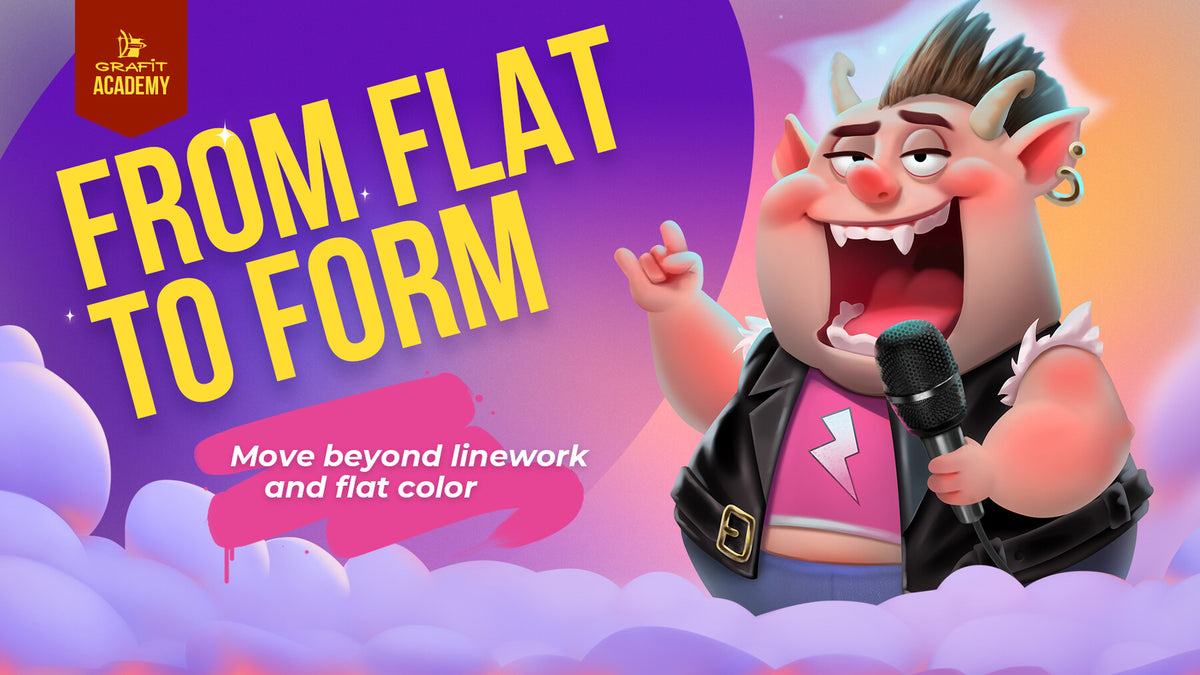


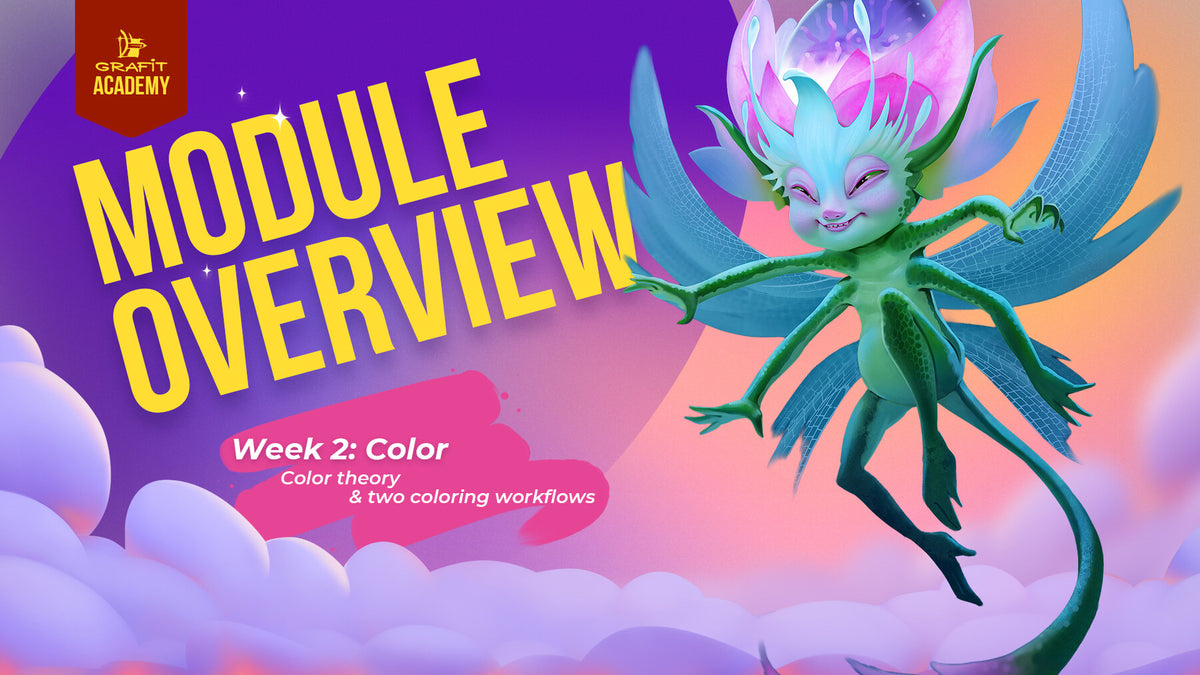

Learn Light, Color, and Form to Create Stunning 2D Renders!
Is your artwork missing depth or polish? Learn to render like a pro!
This course is your clear, no-fluff guide to understanding how light, color, and material bring illustrations to life. You’ll learn how to build volume with light logic, choose color schemes that work, and render textures that feel real - all in 2D.
Whether you're designing stylized characters or realistic creatures, you'll gain universal rendering principles that you can apply to any subject.
By the end, you’ll not only understand how professionals build their lighting setups - you'll also have a polished piece for your portfolio and the skills to keep improving.
What You’ll Learn:
- How light creates form: light logic, core shadows, and bounce
- Color in rendering: temperature, saturation, contrast
- Rendering materials: skin, metal, fabric, etc
- Building a complete render from sketch to final polish
- Analyzing and recreating lighting from references
What You Will Get:
- 3 practical video lectures
- 3 homework assignments
- English voiceover
Software used: Adobe Photoshop, Procreate, or SAI
PS is recommended for this particular course
Who This Course Is For:
- Junior and middle artists
- Beginners who are familiar with digital drawing but don’t know yet how to make a complete character
- Junior and middle artists who are looking to improve their rendering skills and bring more depth to their artworks
- Illustrators and concept artists who want to master light, color, and shading and create more compelling characters for their portfolios
Course program:
- Fundamentals of light and tone: In the first lesson of the course we’ll dive into the basics of work with light, shadow and tone and learn how to create form and depth by using them.
- The power of color: Here we will learn the core information about the color, key principles in color composition, and try a few different pipelines of painting b/w concepts.
- Material rendering and textures: In the third lesson we’ll discover one more way of using the color and learn about features of shading different materials and textures. We’ll also try to put our characters into the environment.
• Get early access with exclusive discounts on our releases viaPatreon.
• Have ideas or questions? Reach out anytime: refpacks@grafitarm.com
• Follow Grafit Studio onInstagramand Twitter for free references, behind-the-scenes content, and creative challenges.
• Join our Discord for secret discounts, feedback threads, and to share your art.
Have a great day guys and stay tuned for upcoming updates!
2 ratings on ArtStation
Good insight for intermediate artist. thank you Grafit Team
amazing
Awesome tips. Learned a lot from this course
Super useful!
Nice!